01 / 31
Design Operations Platform
Design operations, simplified.
A comprehensive UX platform designed to centralize an entire practice, including research, within one unified workspace. It supports a wide range of studies, from automated comparative analysis to text-based literature reviews and the other essential research activities designers rely on. Powered by AI, it helps streamline workflows, improve efficiency, and enhance overall design performance.
Discovery Phase The concept, product design, and screens are mine; the platform has not entered development and is not live.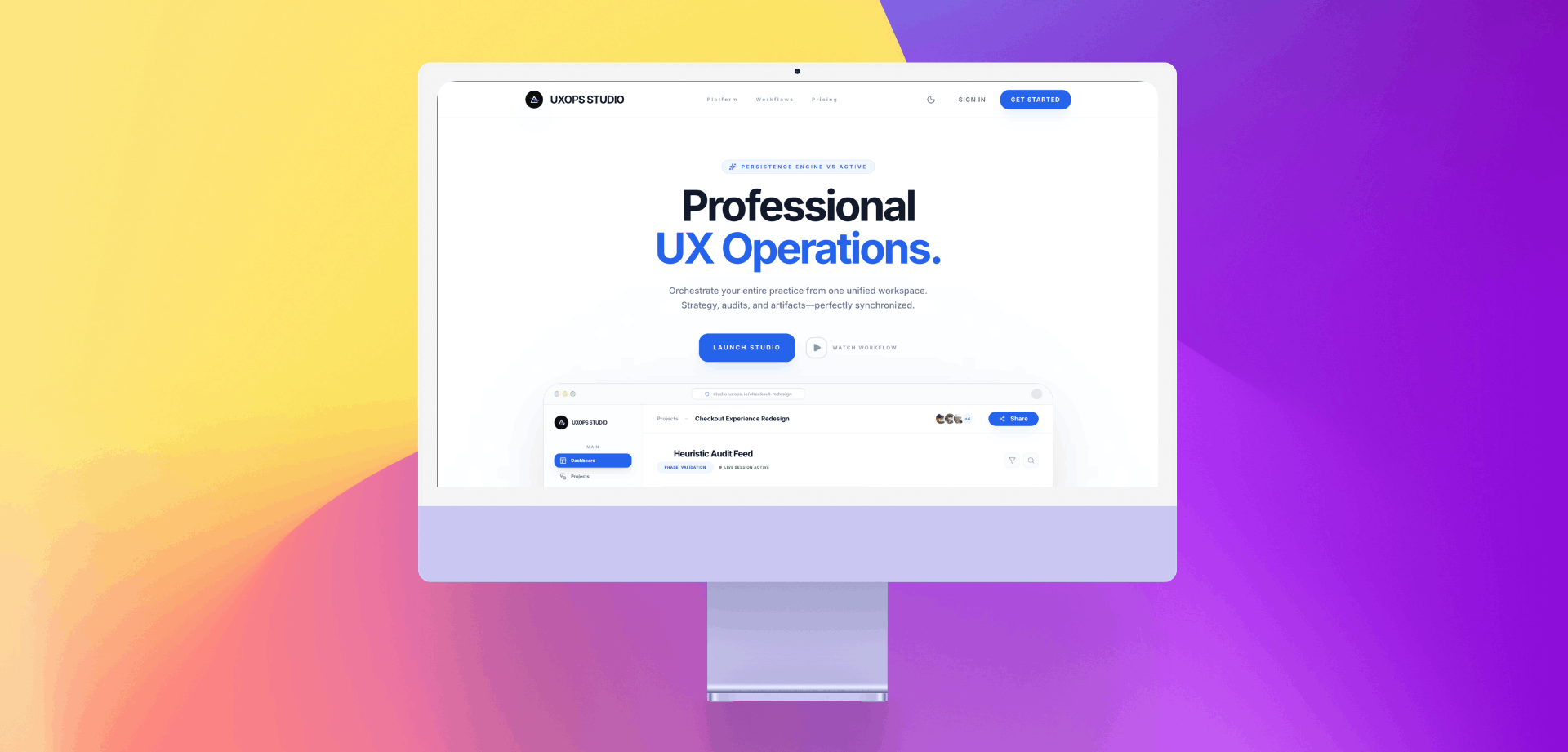
The Problem
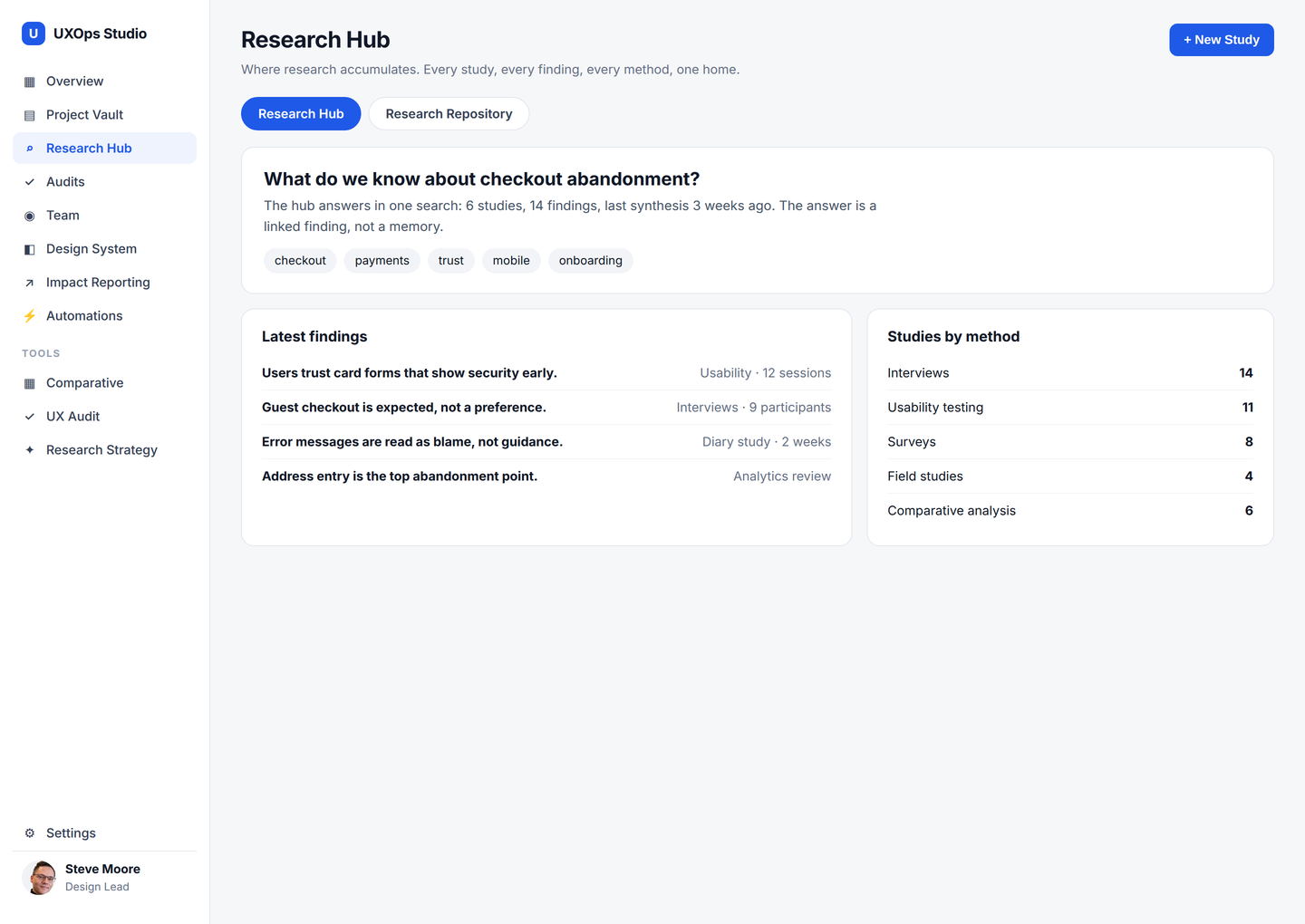
Research lives in one place, files in another, feedback in a third. Teams waste time searching, duplicating work, and losing context.
The Solution
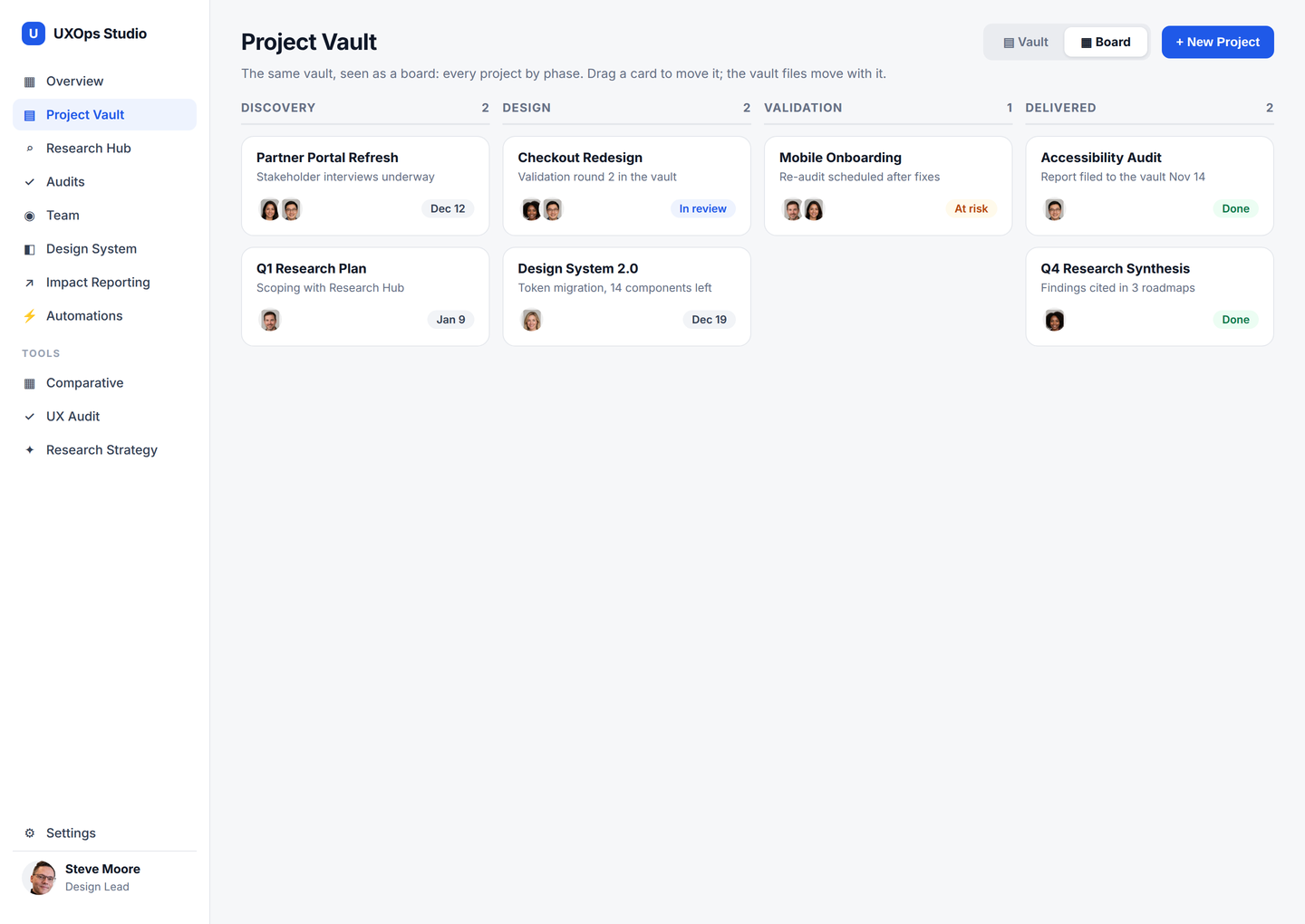
UXOps Studio brings projects, research, and team workflows together. Designers spend less time managing tools and more time designing.
Why it matters: Design operations is often invisible work, but it determines whether a team ships great work or gets bogged down. UXOps Studio makes that work visible, organized, and efficient.
Key Features
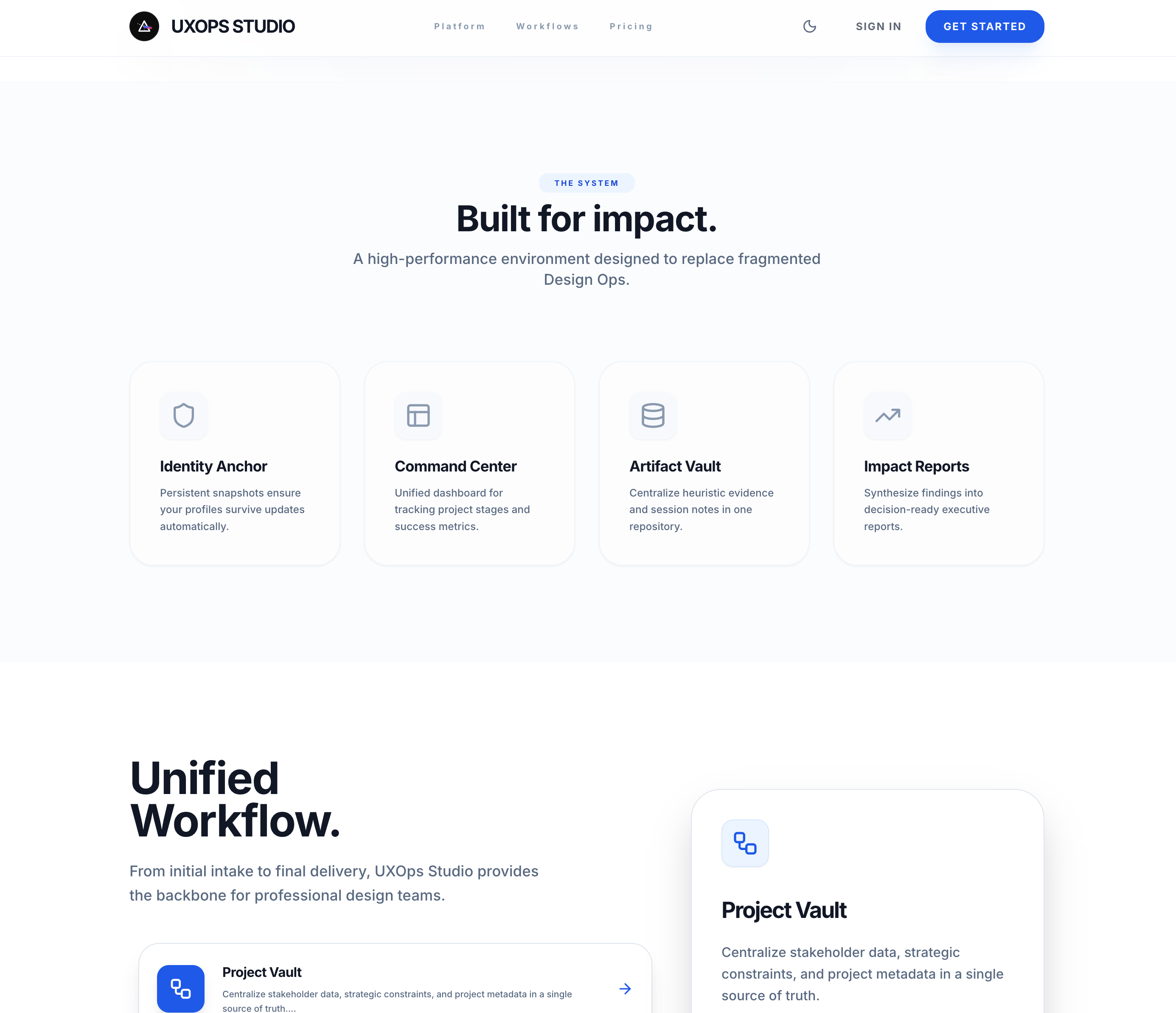
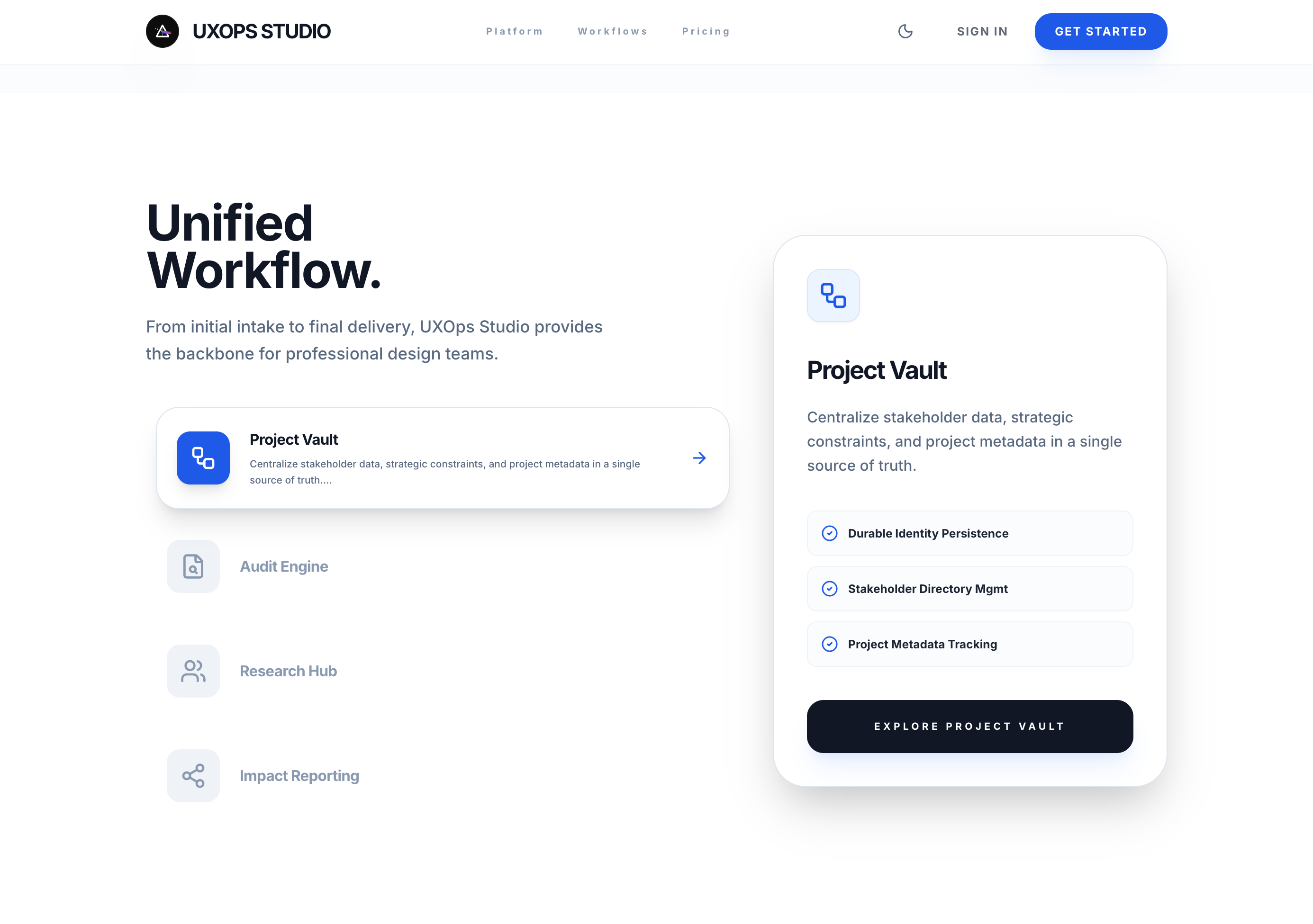
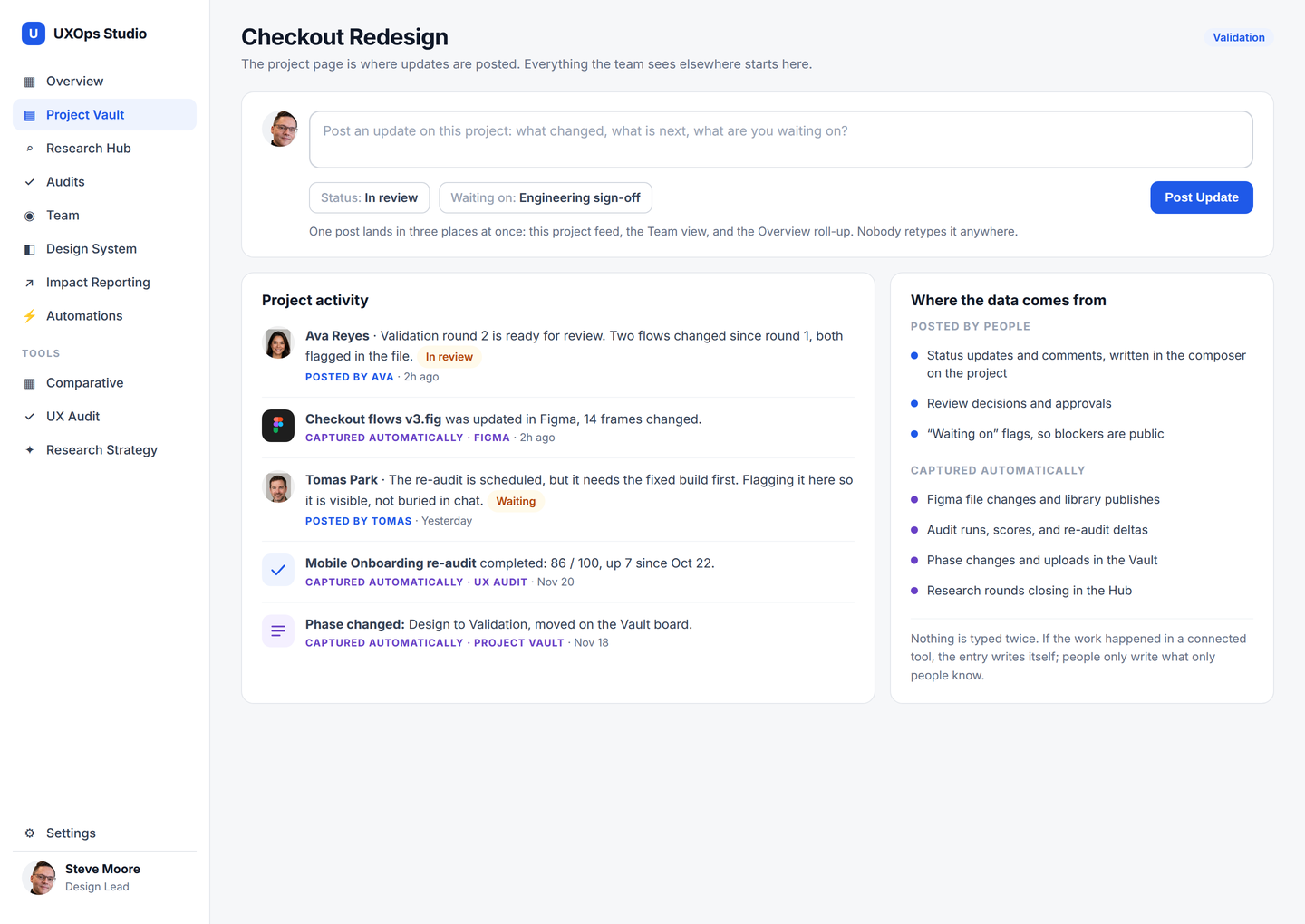
Track design projects from brief to delivery.
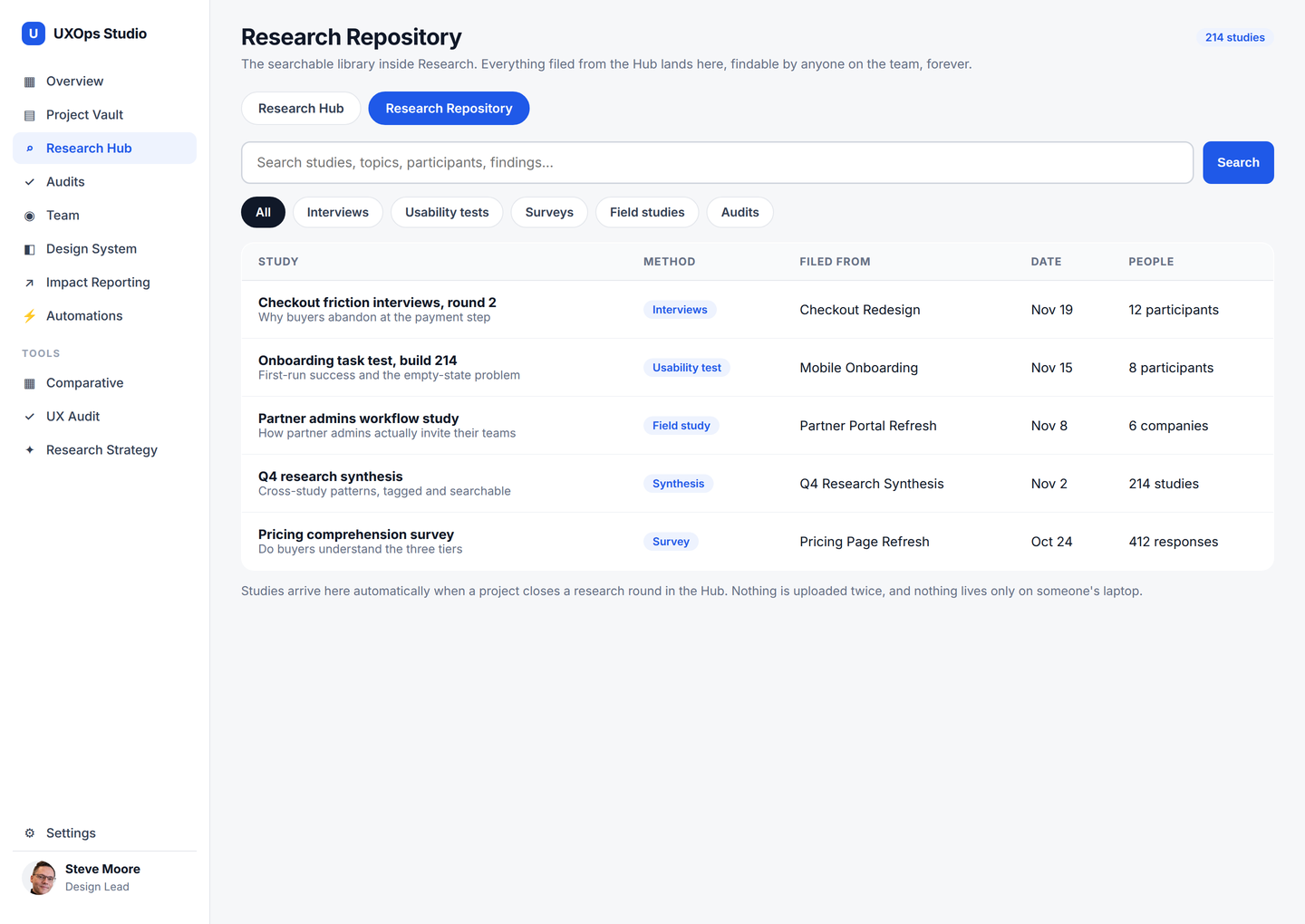
Store and search all your research in one place.
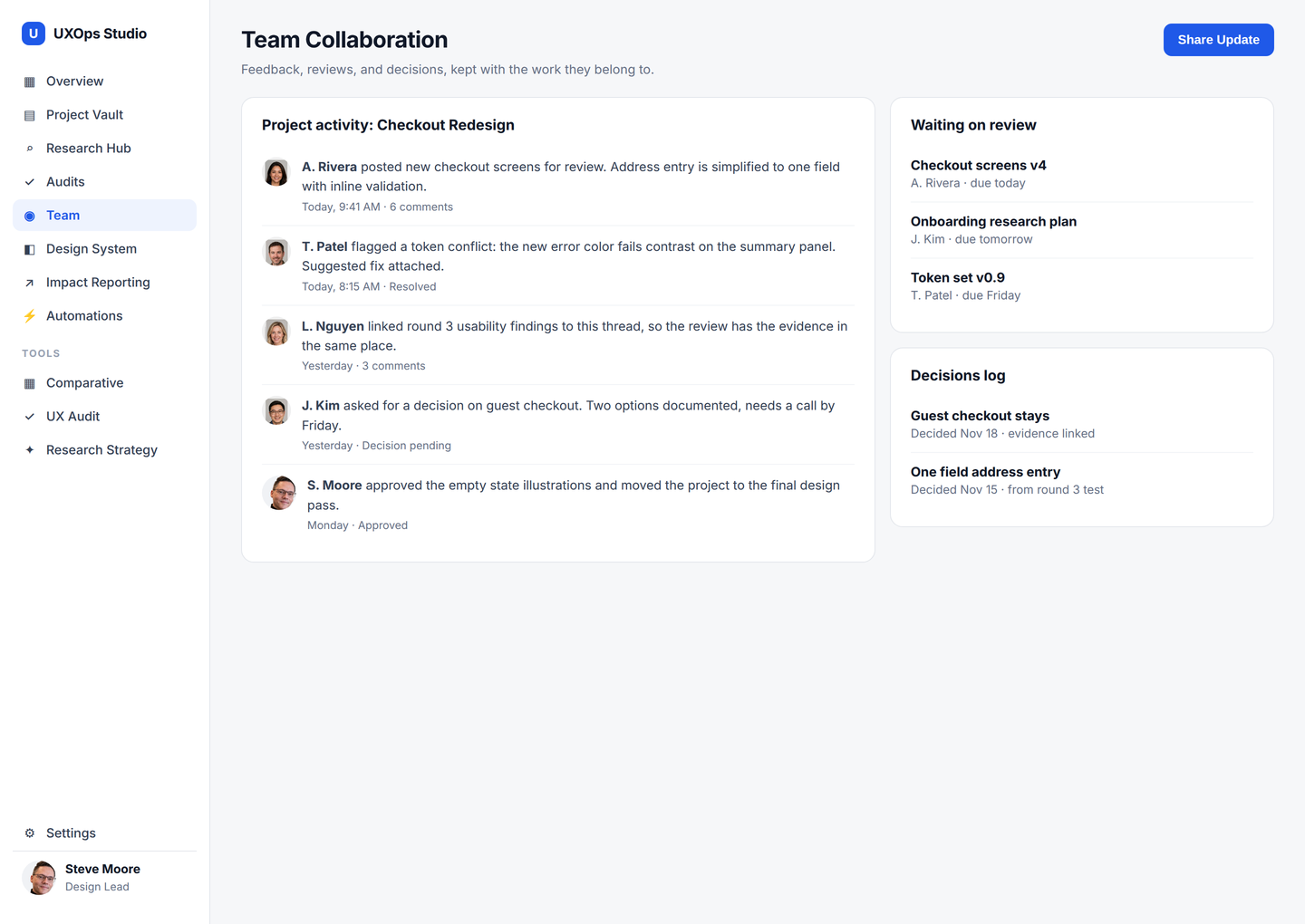
Real-time collaboration and feedback tools.
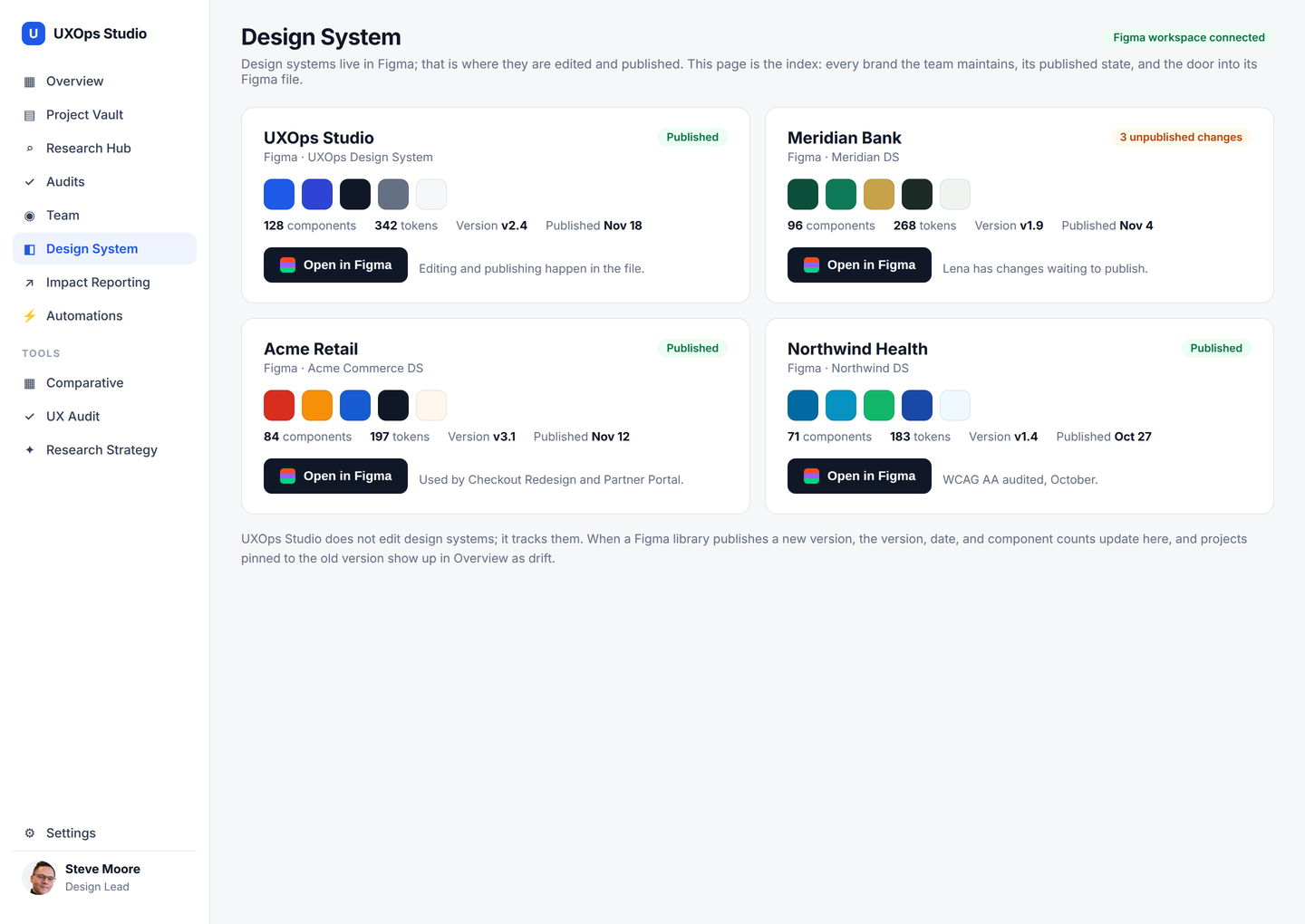
Manage components, tokens, and guidelines.
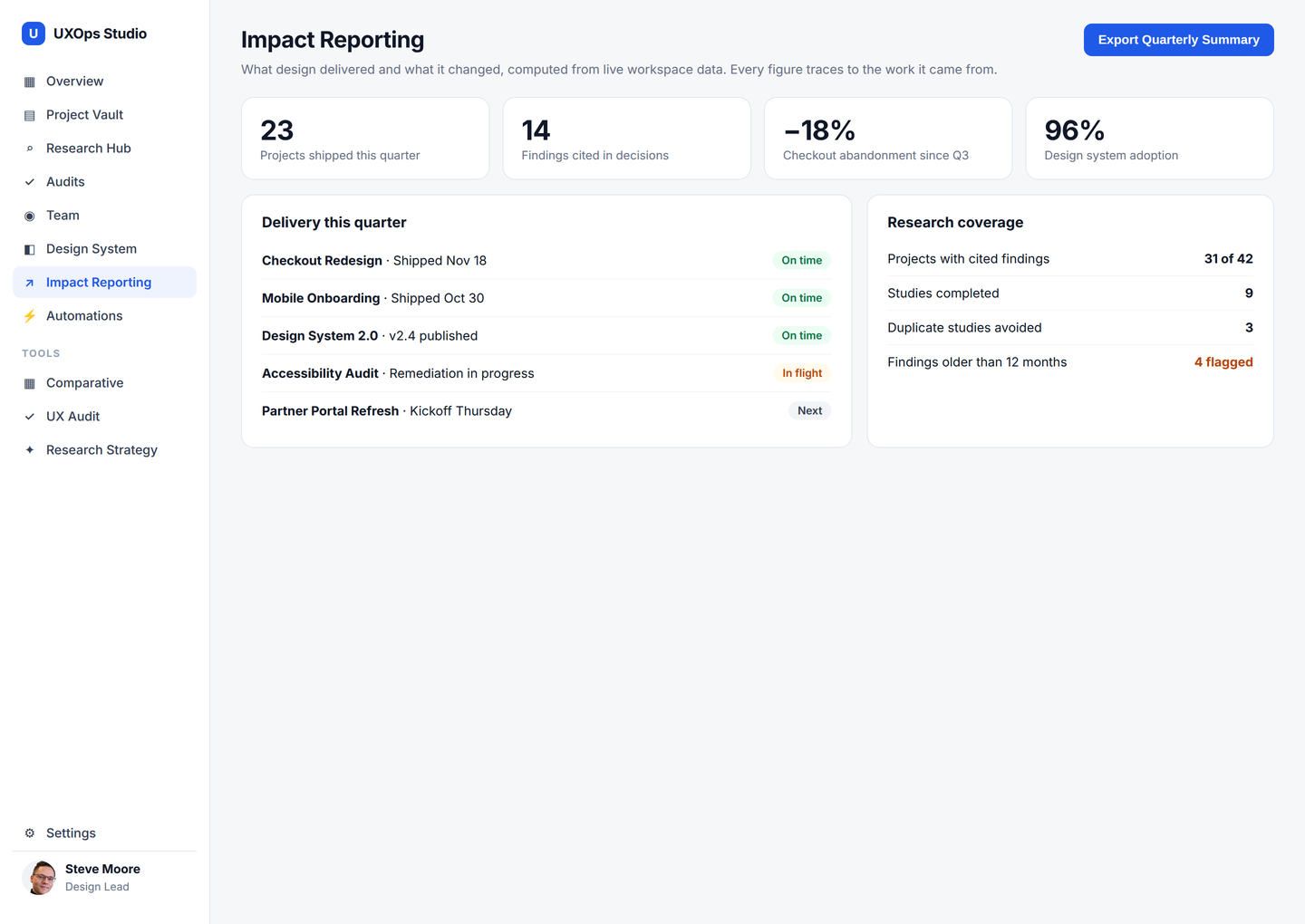
Track team performance and project health.
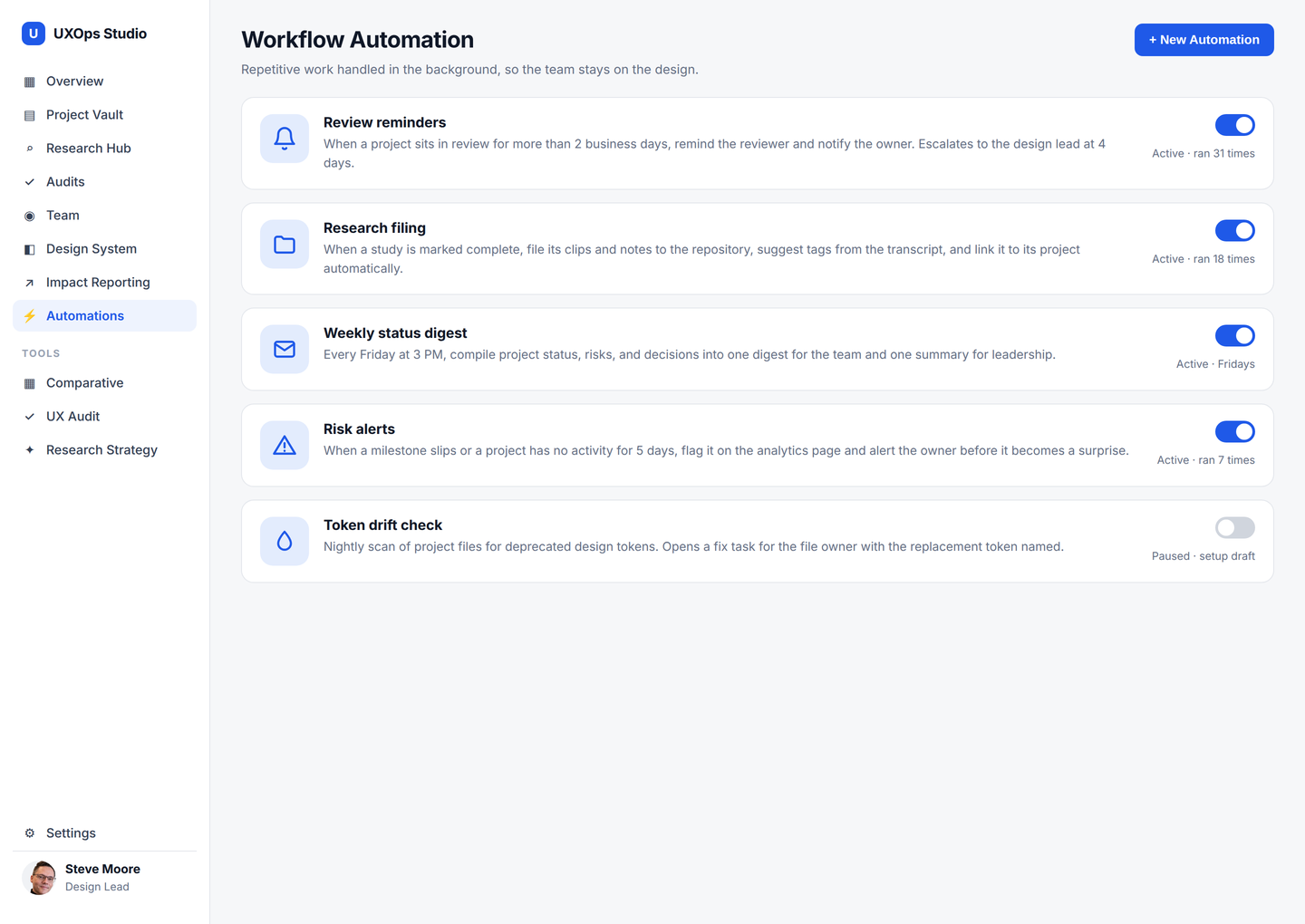
Automate repetitive tasks and approvals.
How It Works
Create projects, invite your team, and import existing work.
Use dashboards to track progress, research, and deliverables.
Focus on design while operations run smoothly in the background.
The Tools
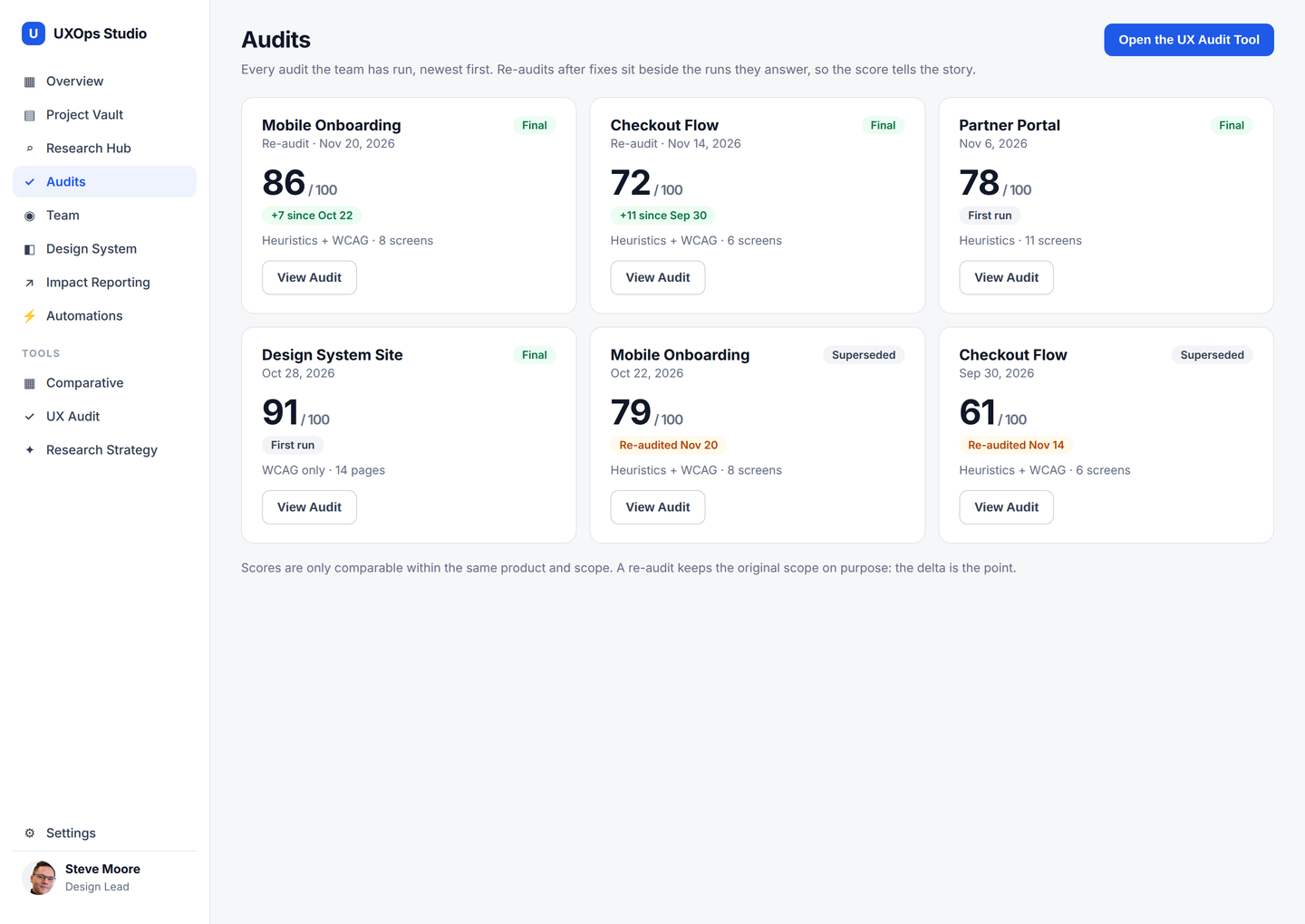
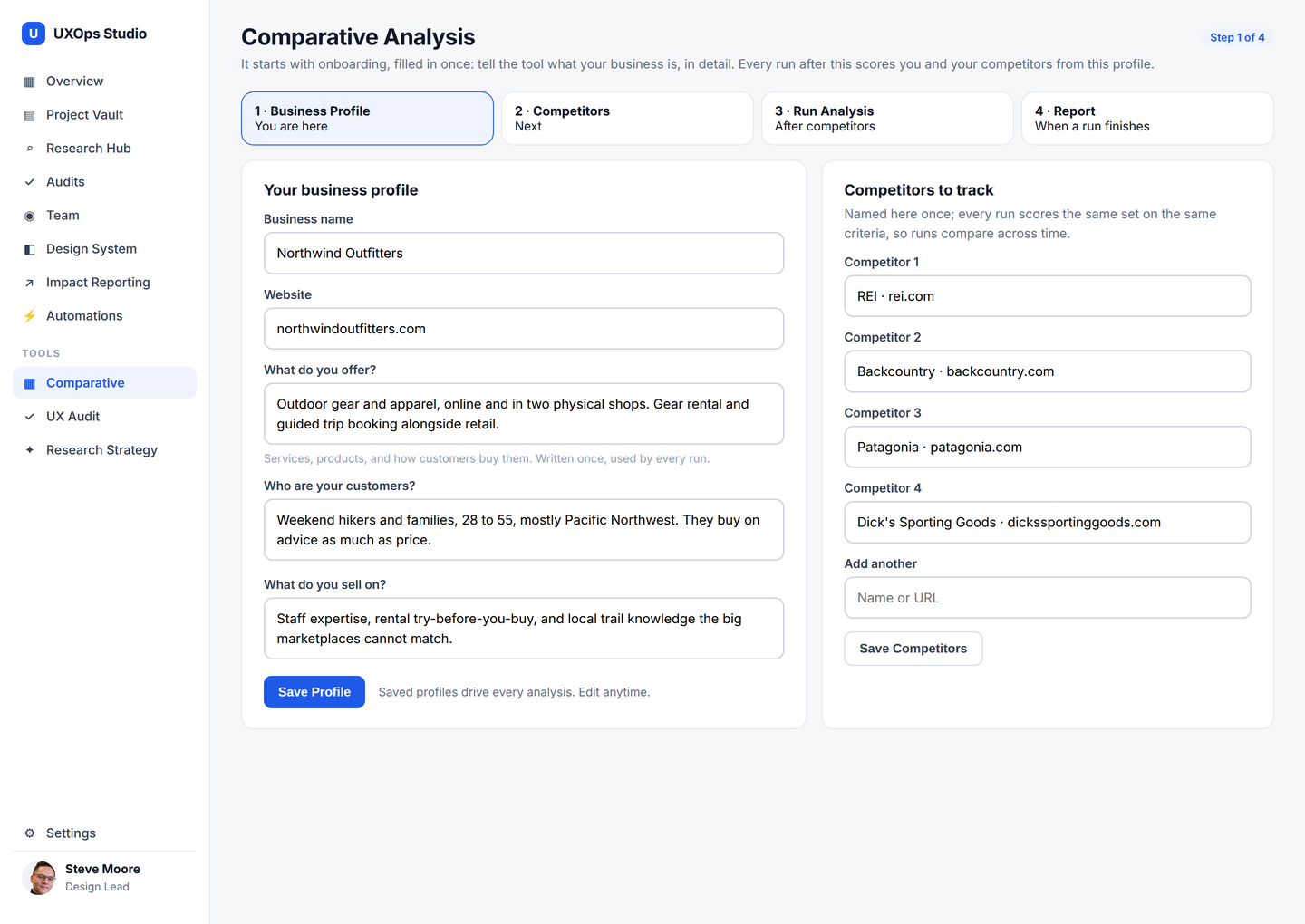
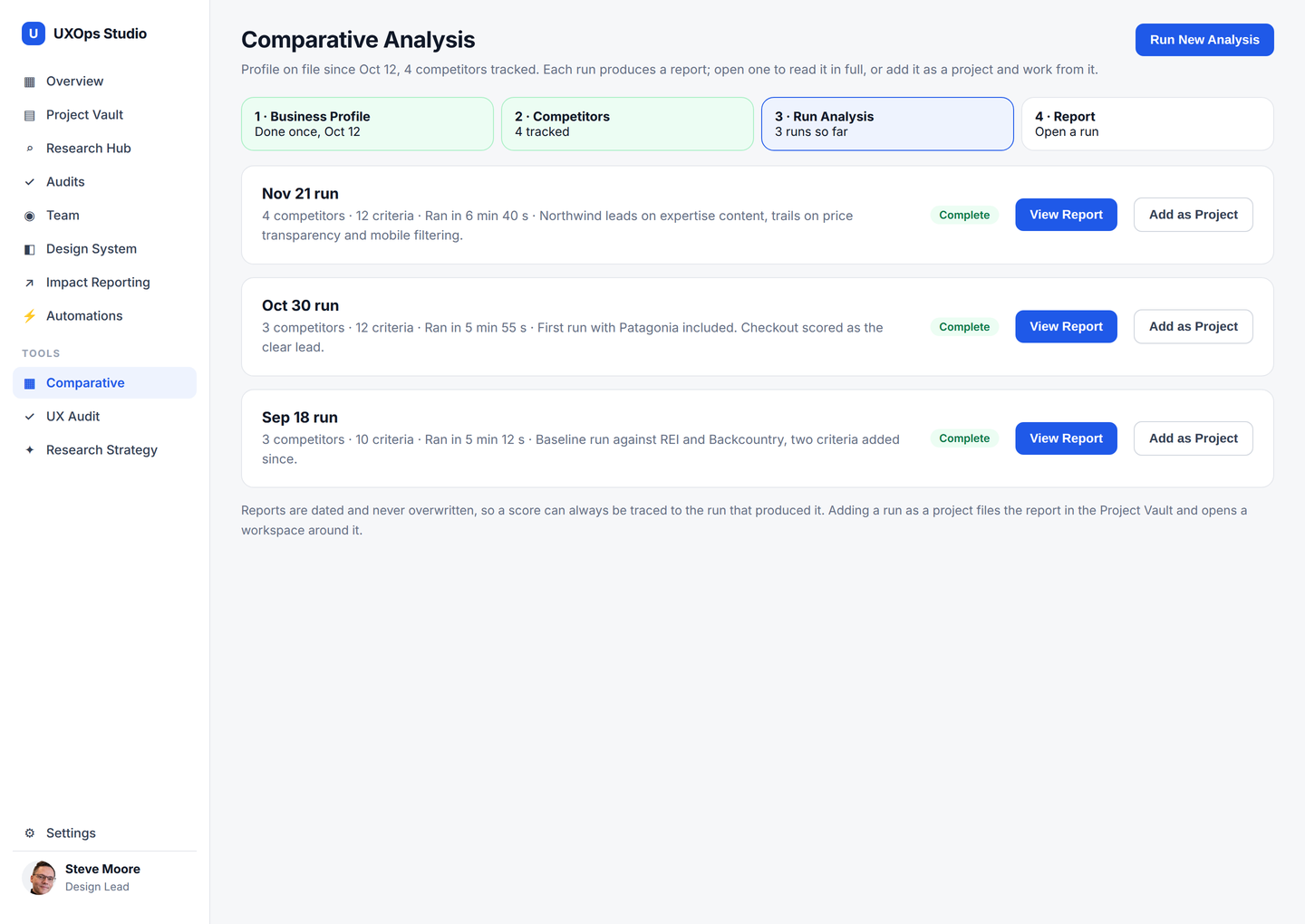
Competing products captured side by side and scored on the same criteria, with dated evidence for every score.
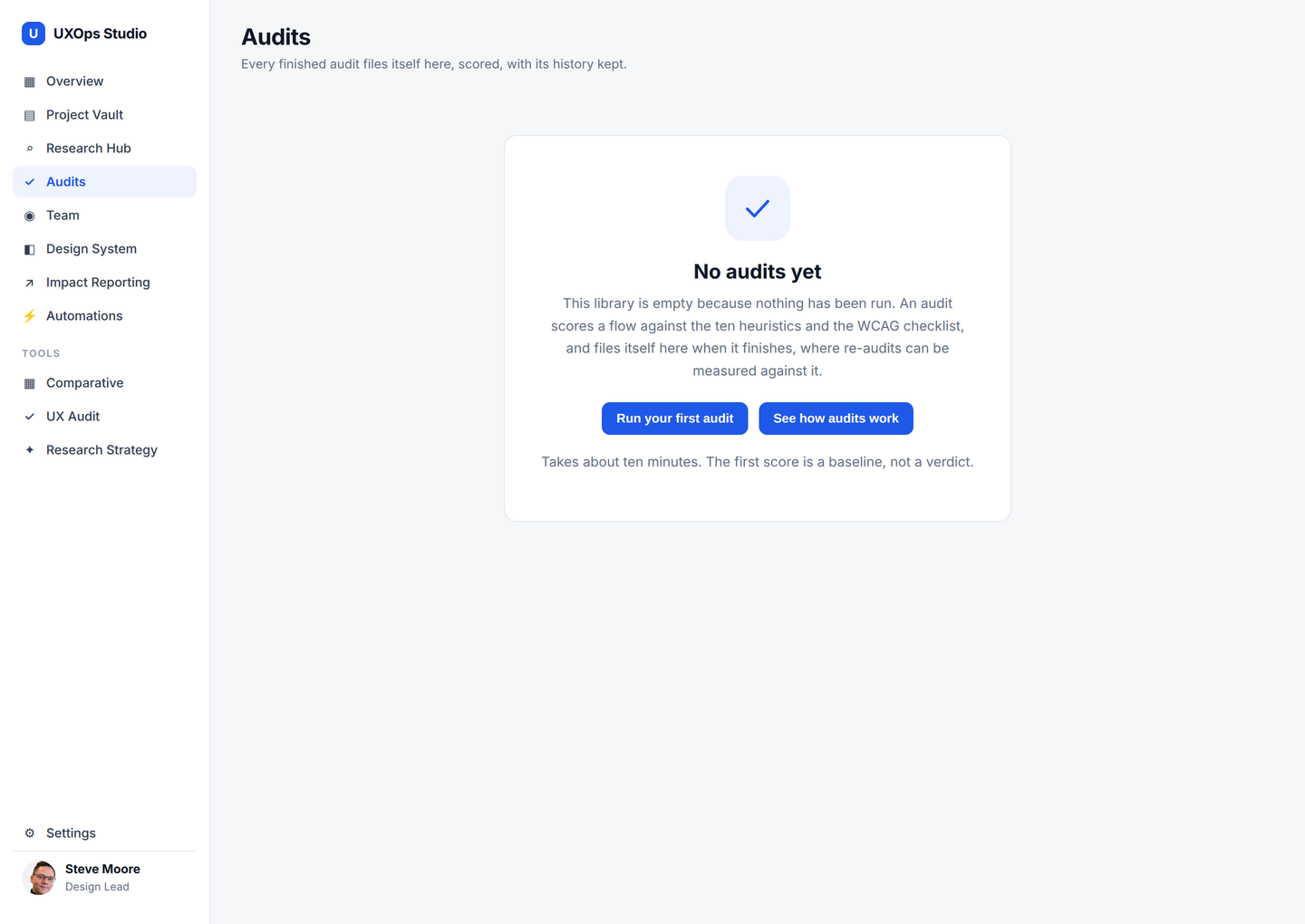
The ten heuristics scored and the WCAG checklist worked through, with issues logged by severity and mapped to the standard each violates.
Every method with its timeline, effort, and payoff, and one click to launch it as a planned project in the vault.
Every brand’s Figma library indexed in one place: components, tokens, and published versions tracked as they change, with drift flagged when a project falls behind the current release.
Project Documents
Problem, users, user stories, and numbered functional requirements for all six feature areas, with discovery scope and phasing.
Positioning, voice, the full color palette, and the typography system for the product interface and its marketing presentation.
The buyer, the champion, and the operator: a VP of Product Design, a UX Director, and a Design Operations Lead, with their goals, frustrations, and objections.
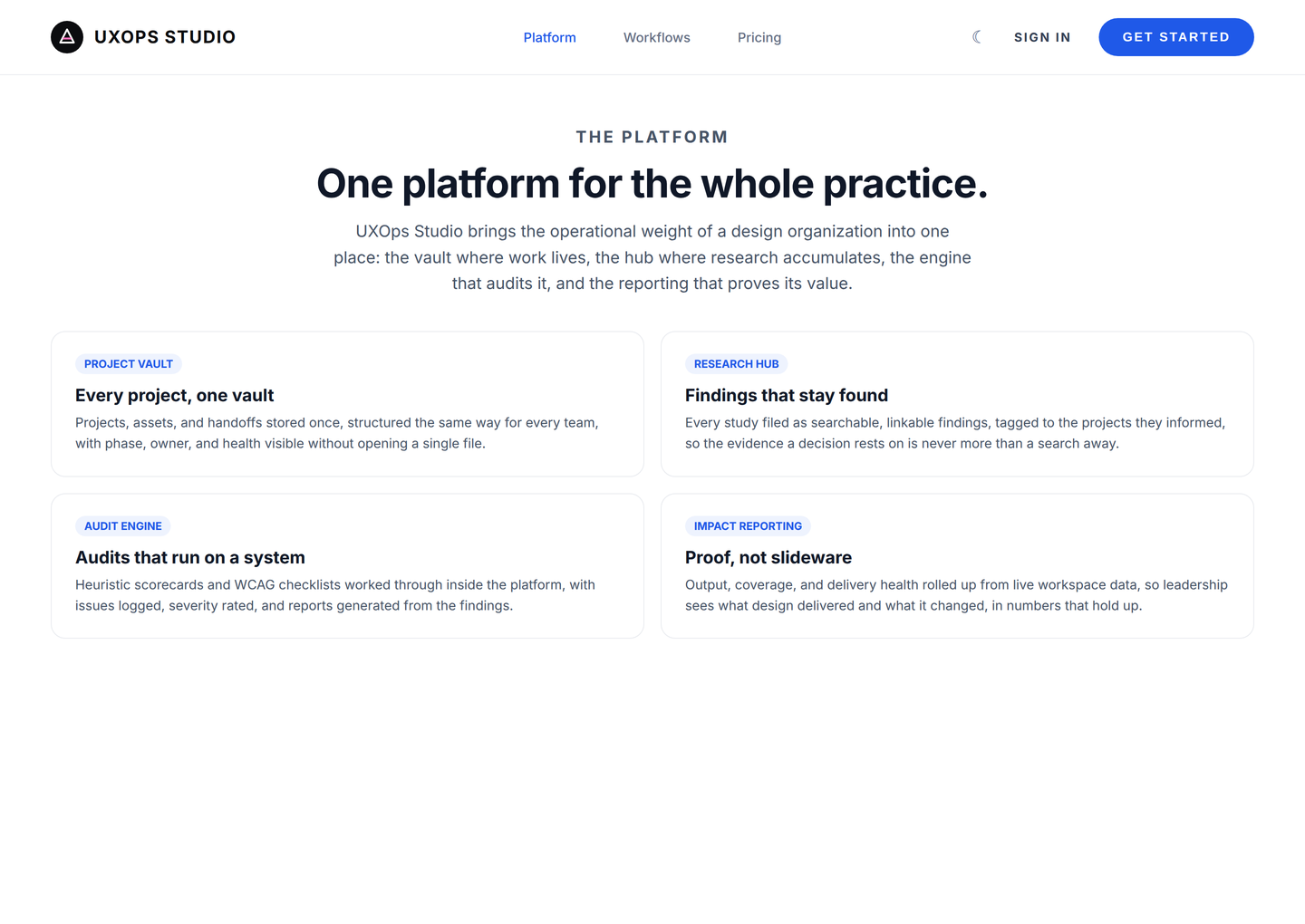
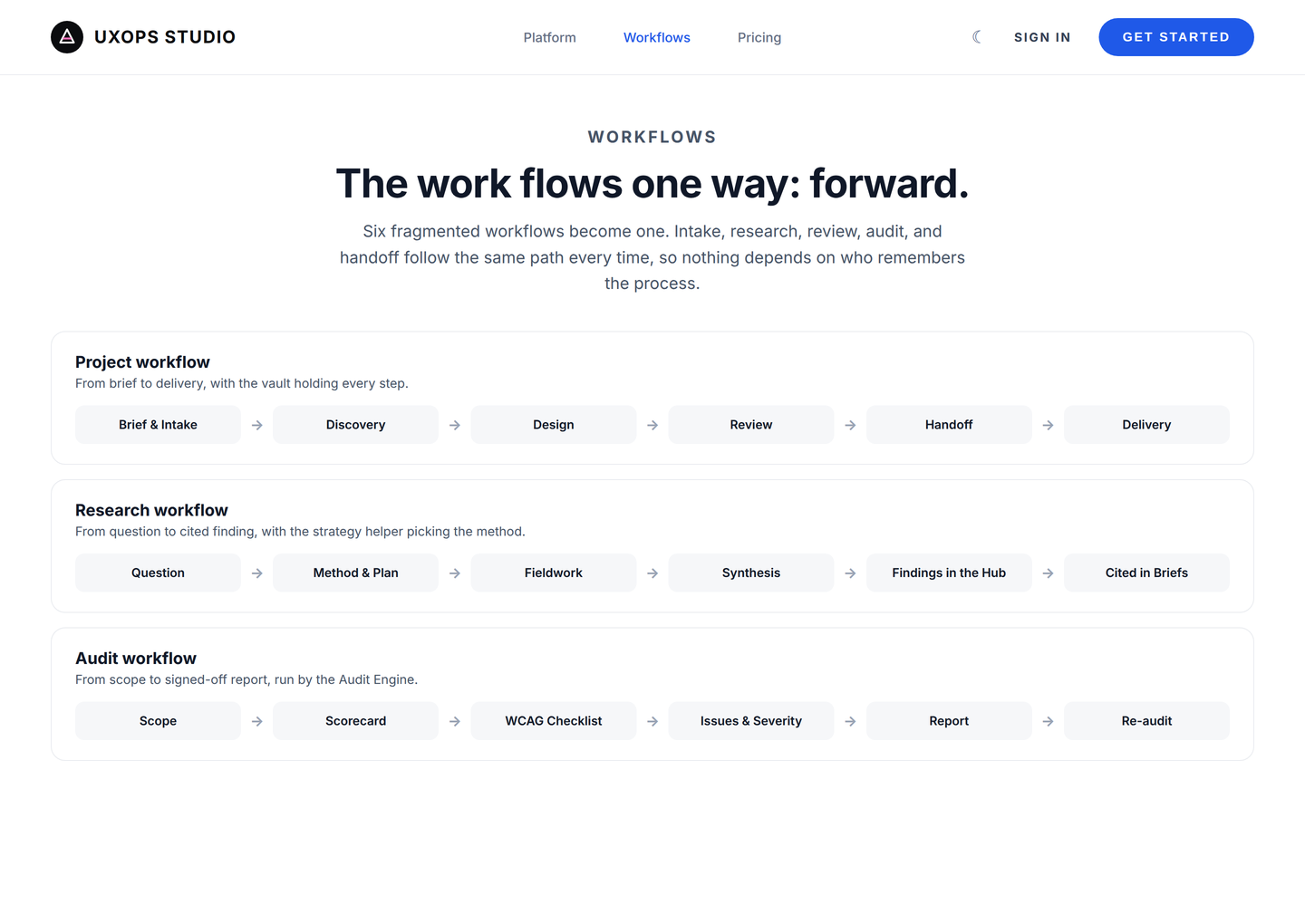
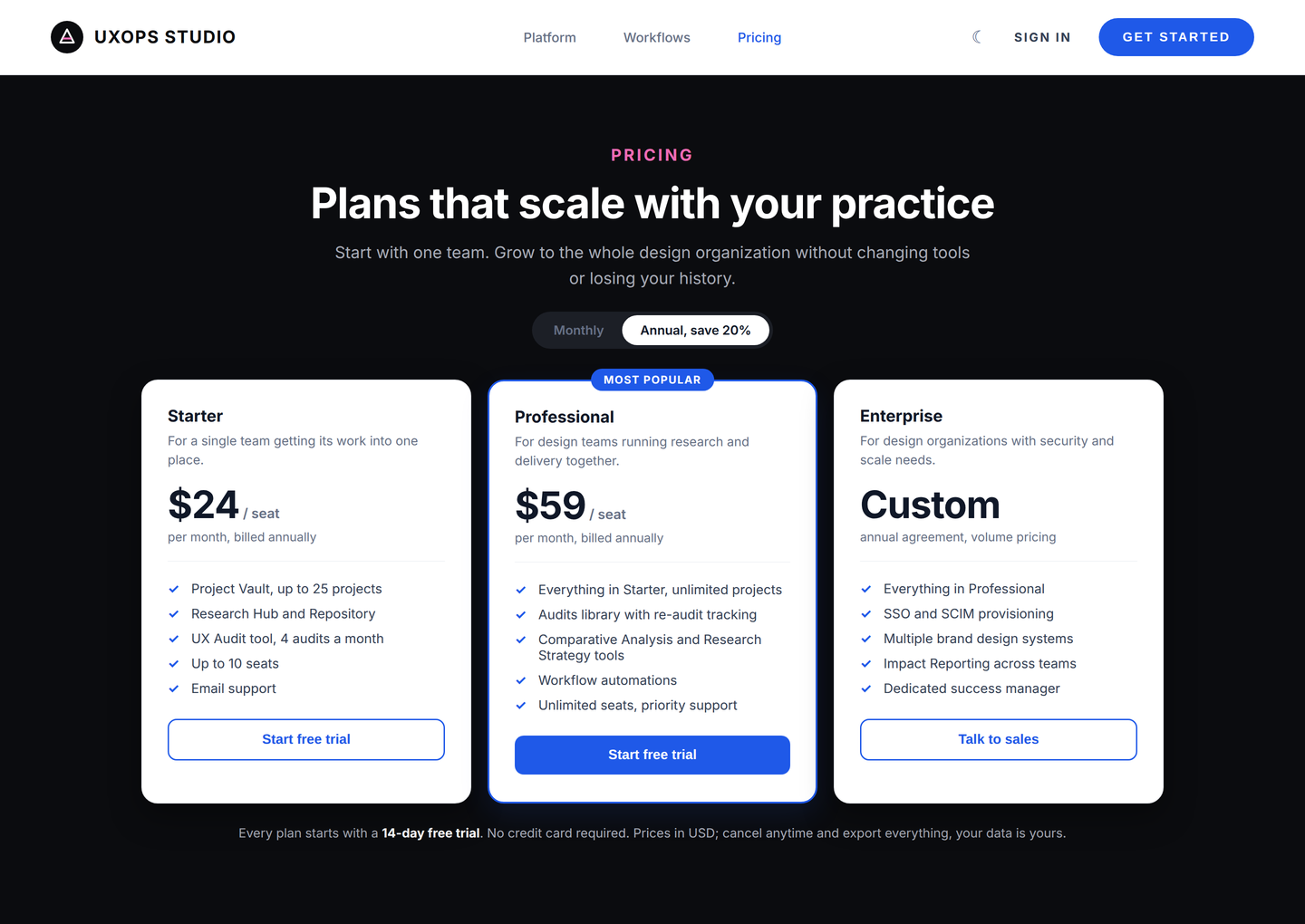
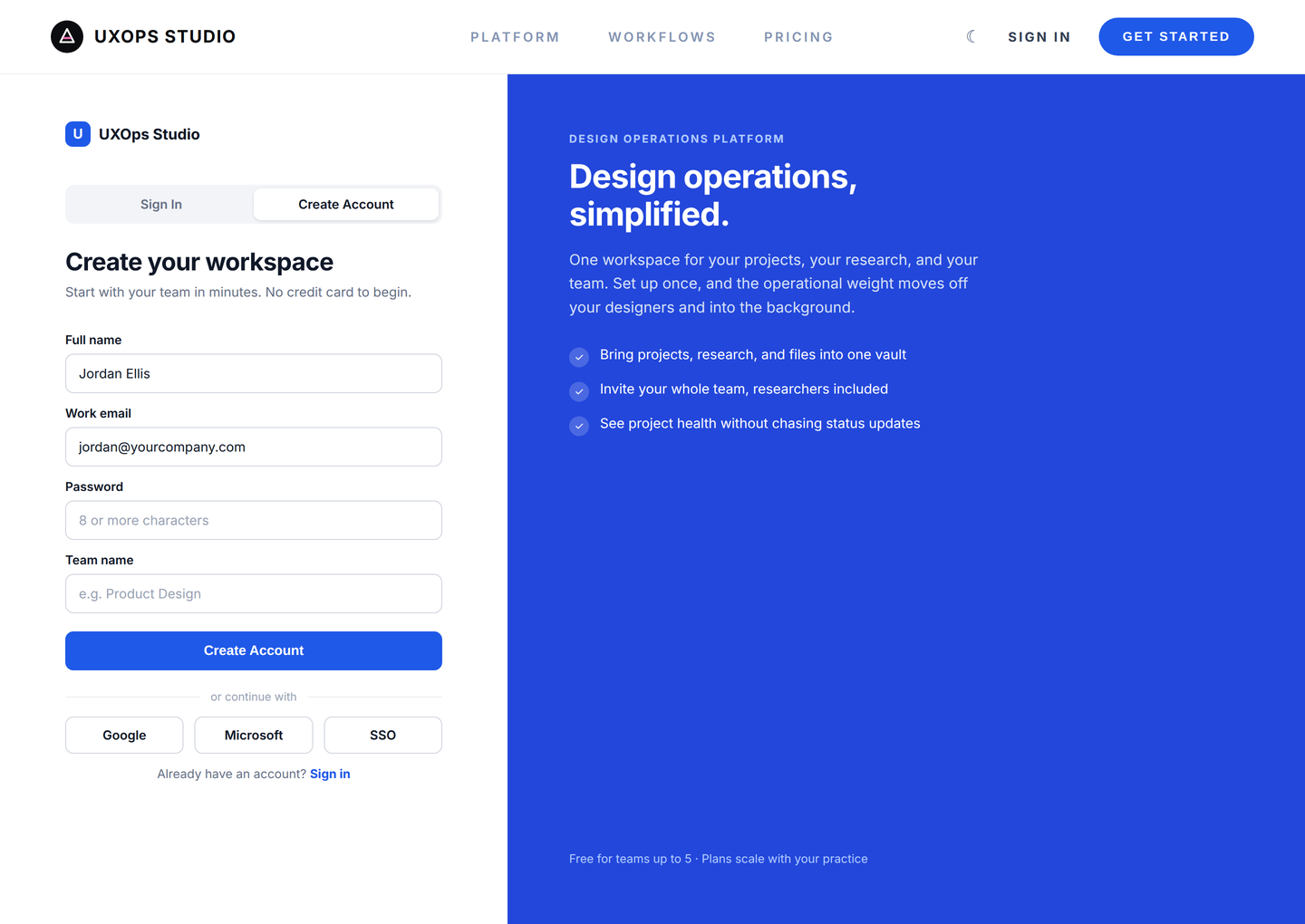
Screen Designs
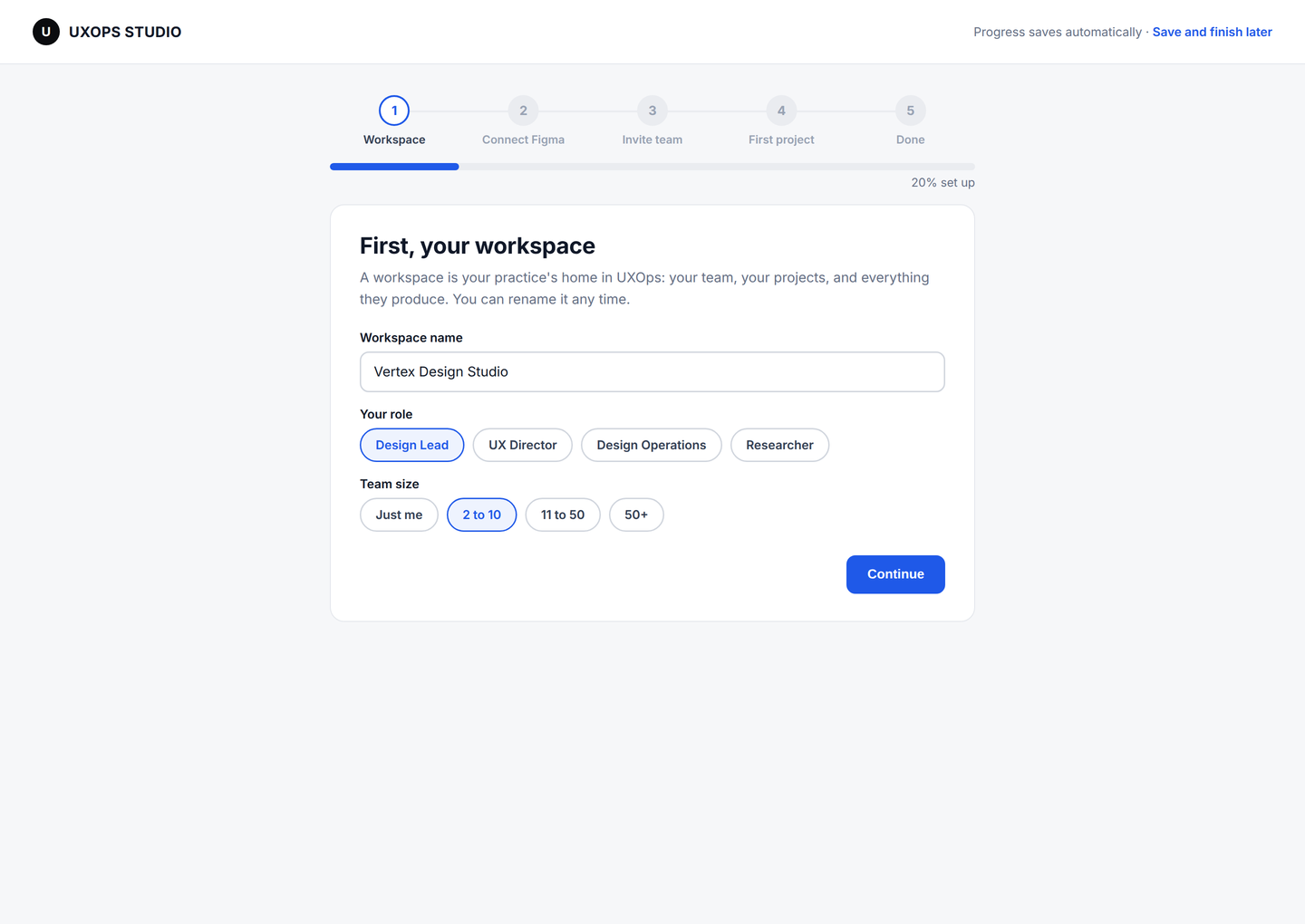
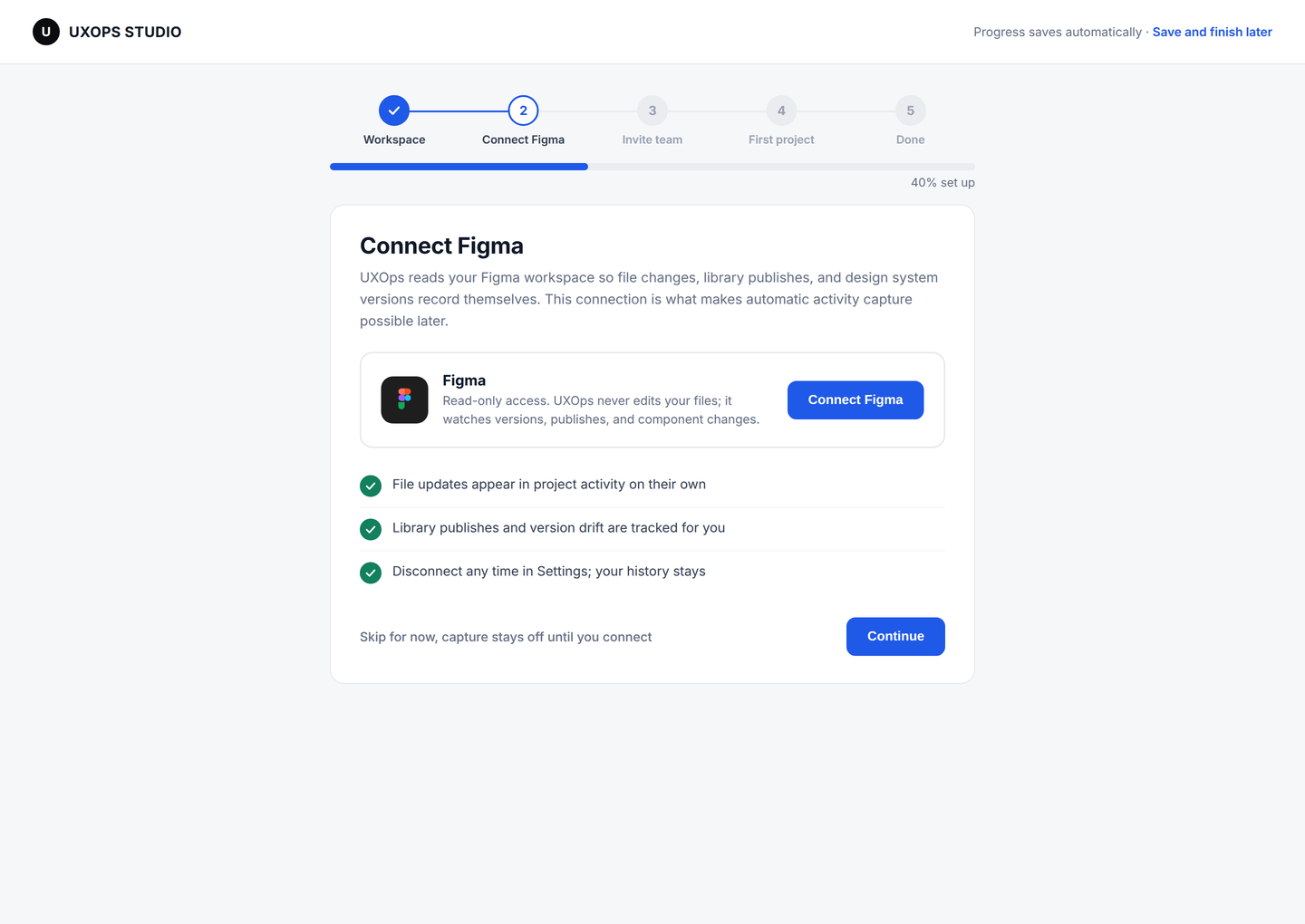
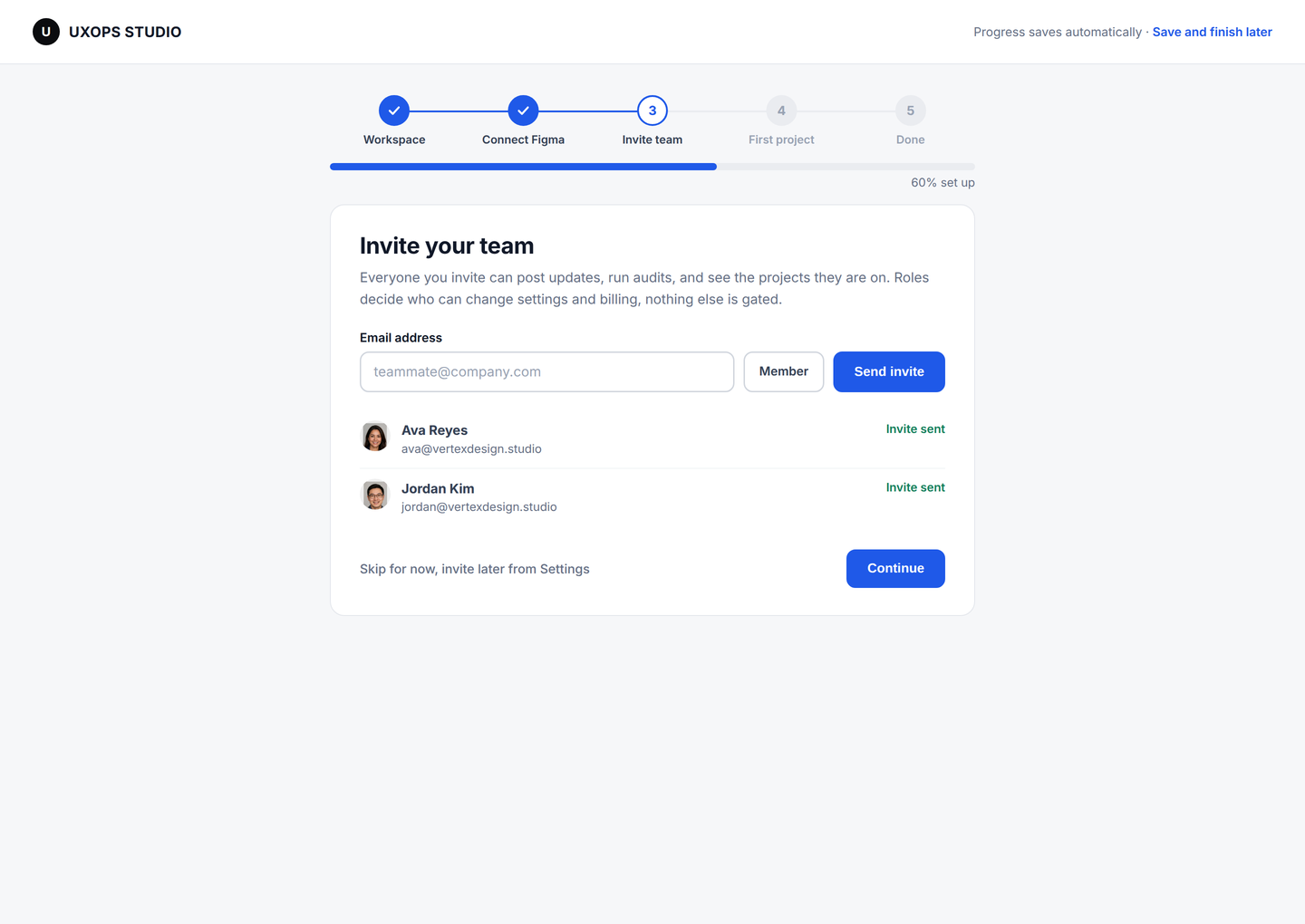
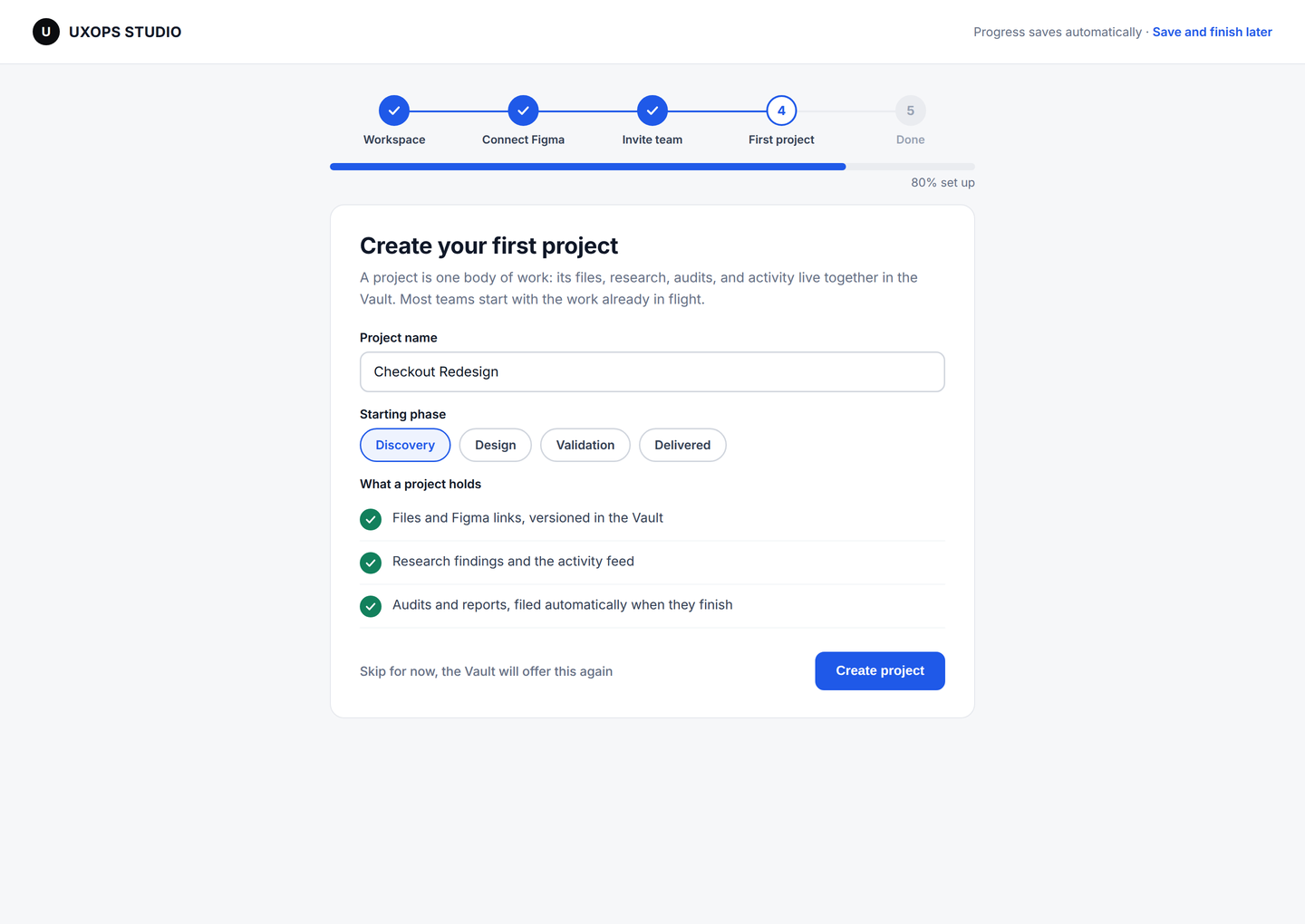
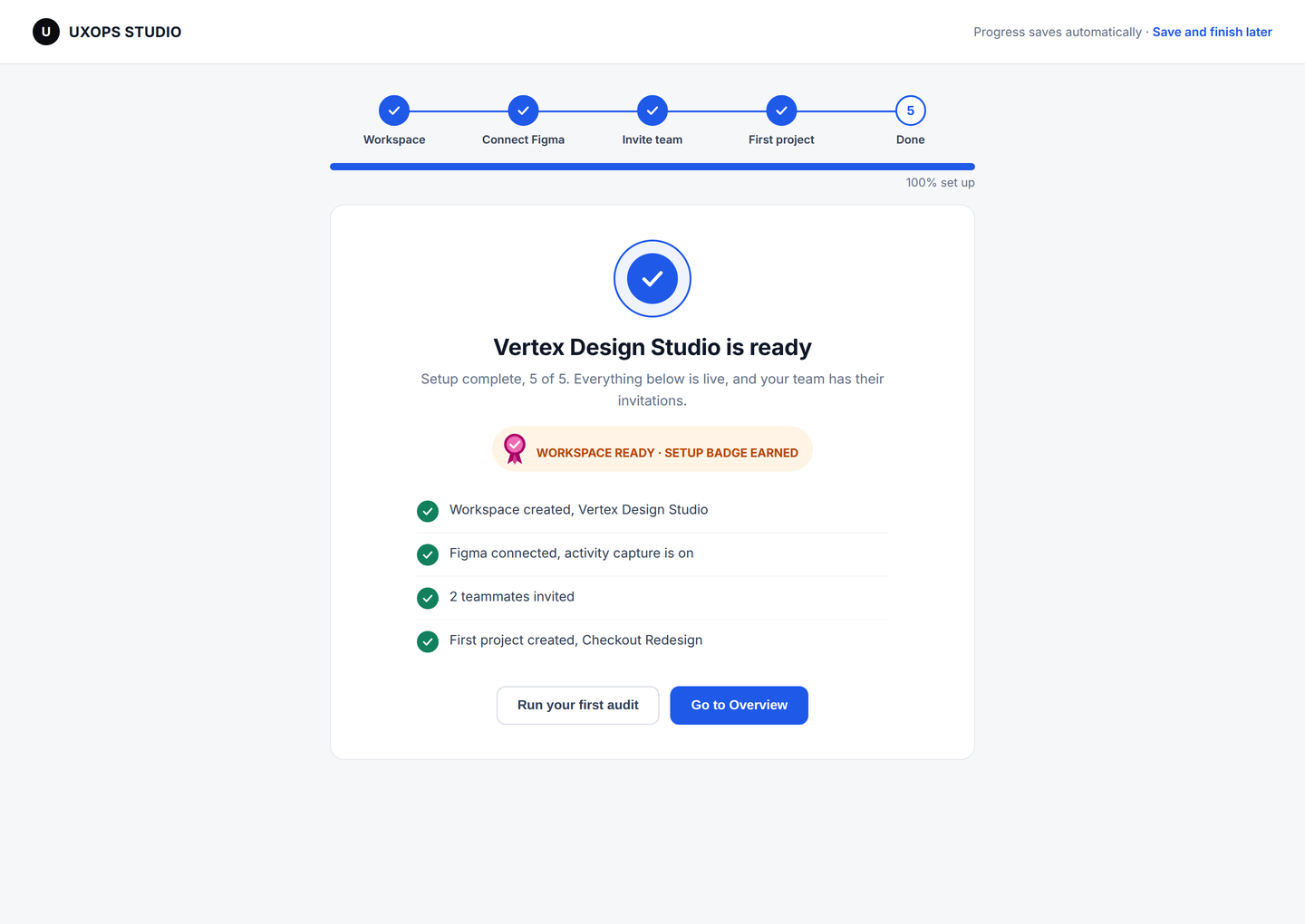
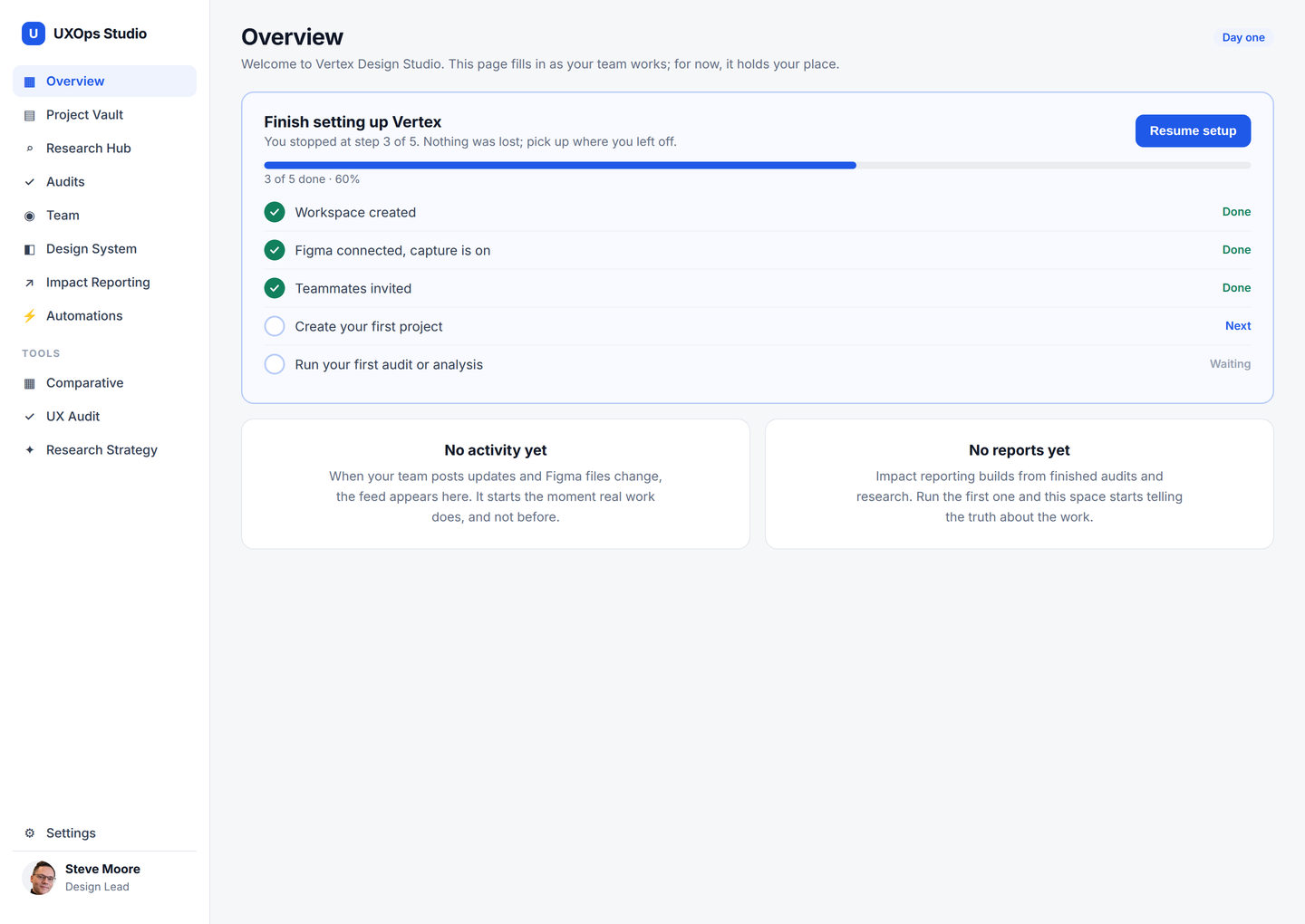
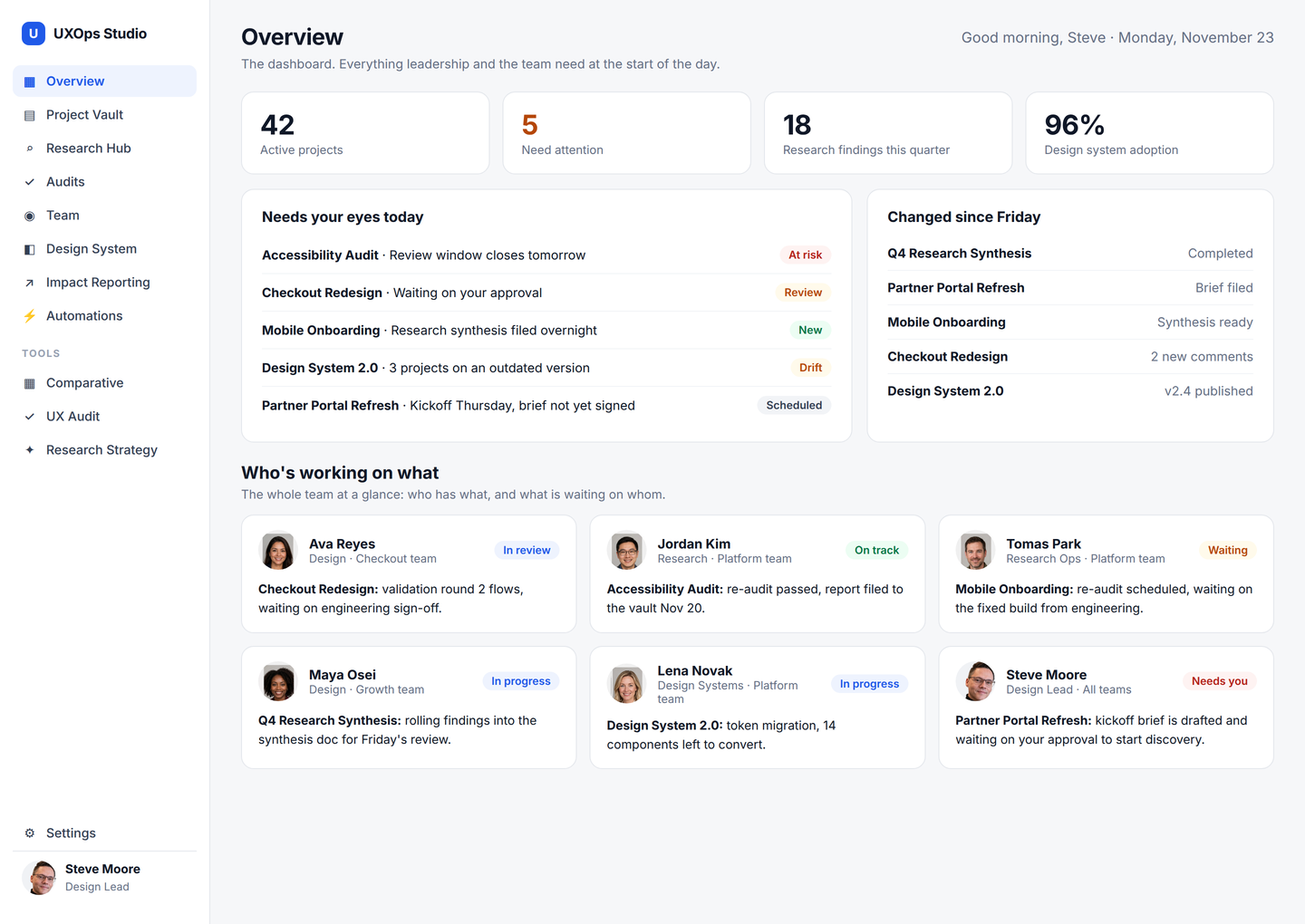
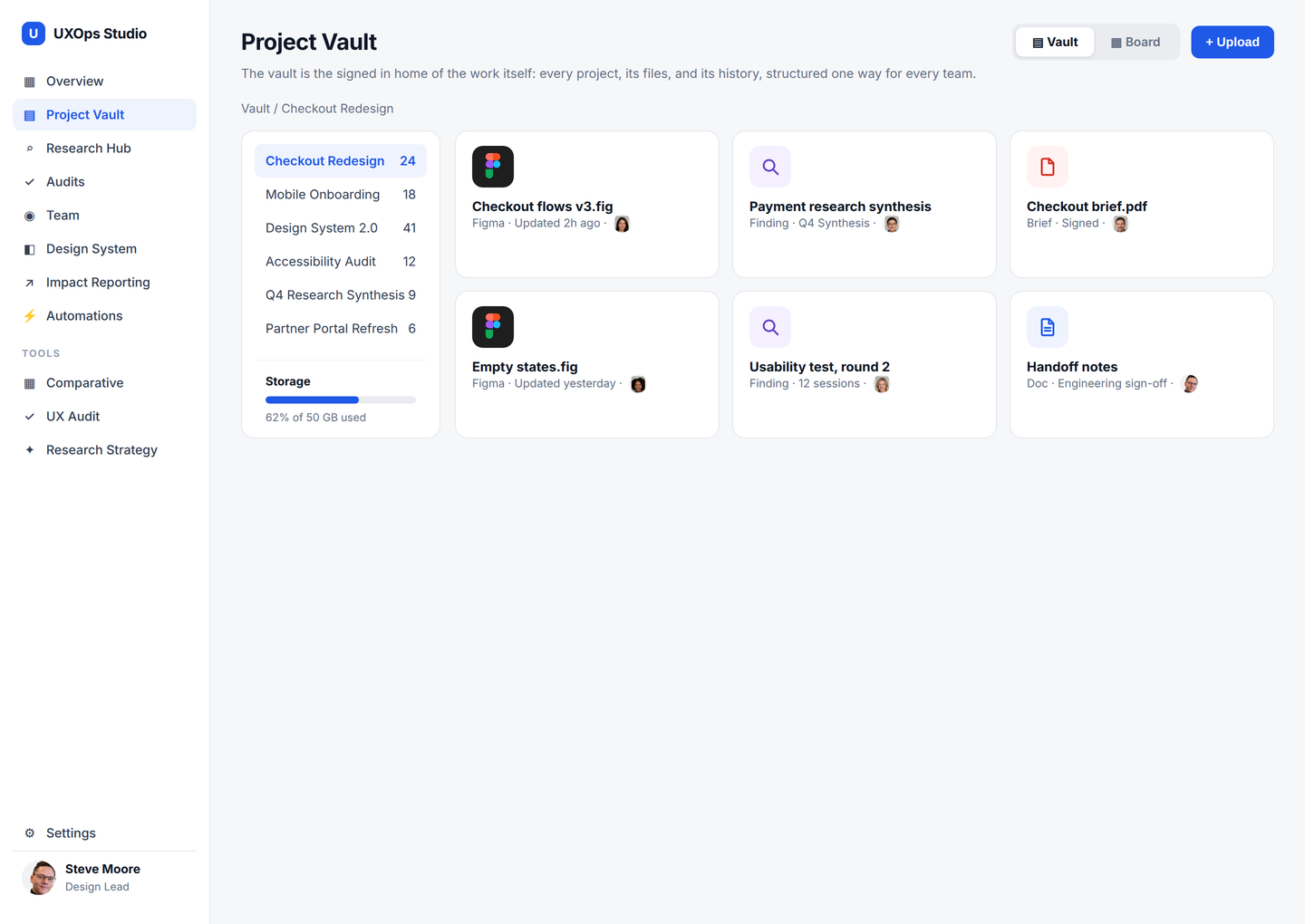
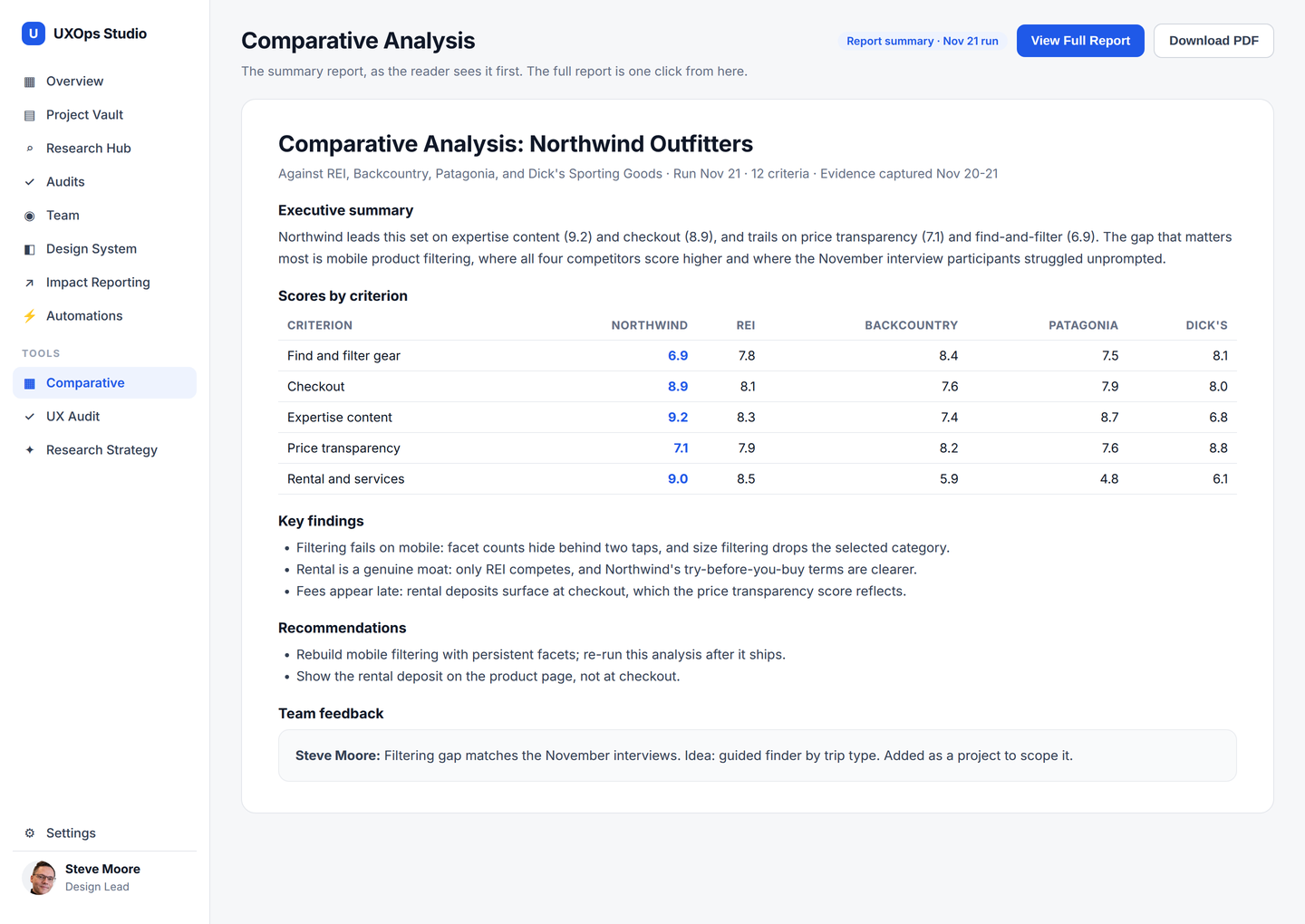
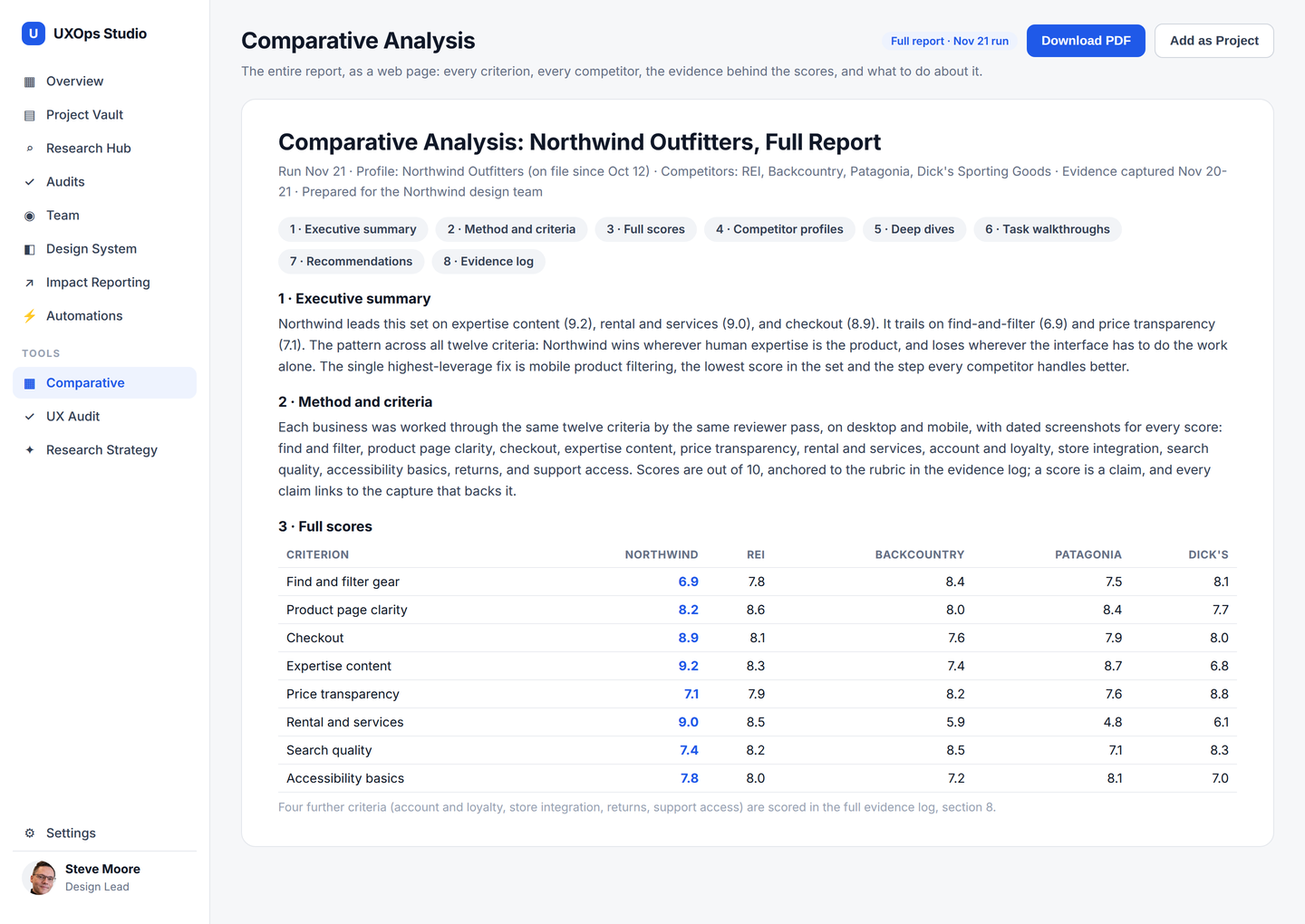
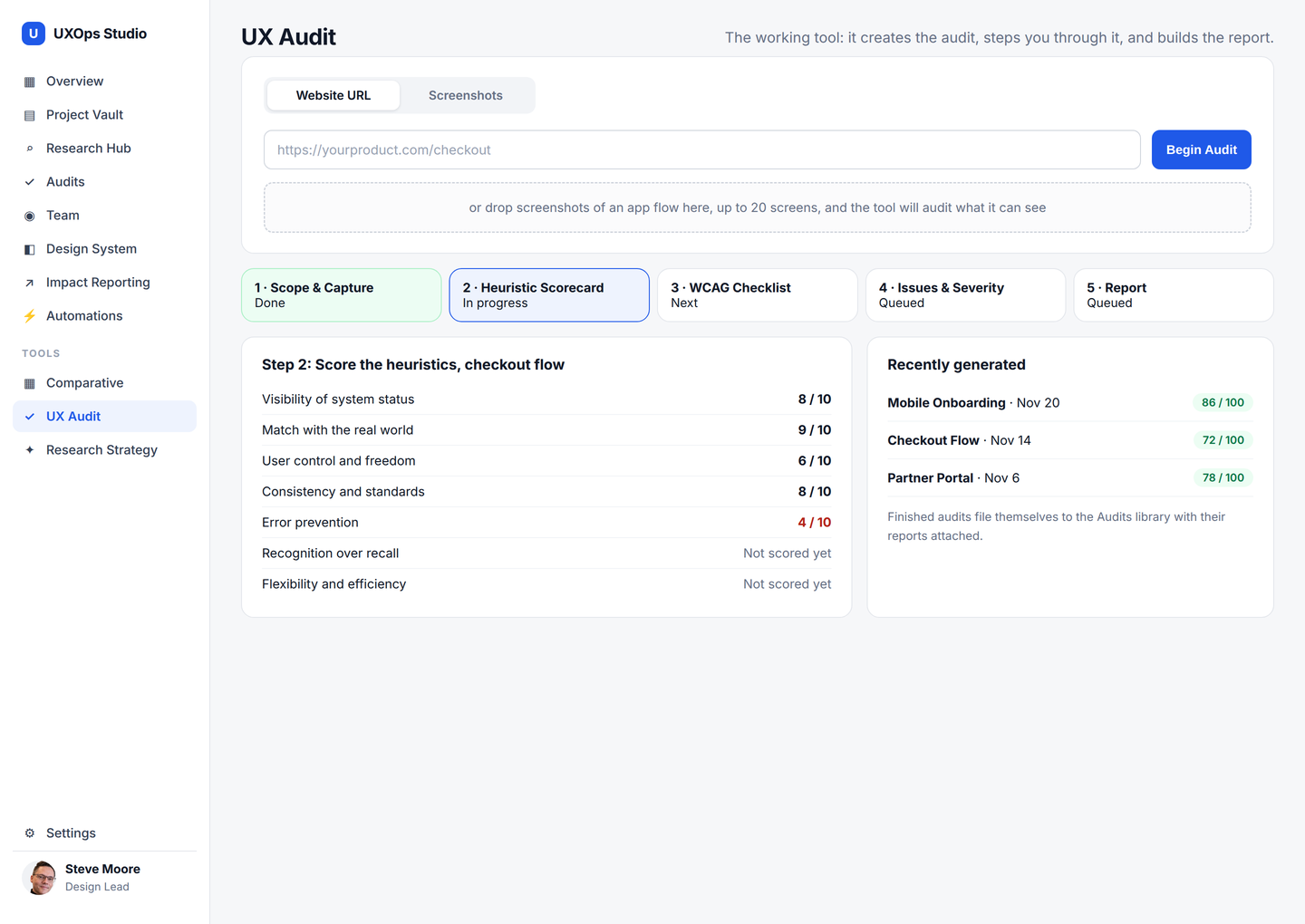
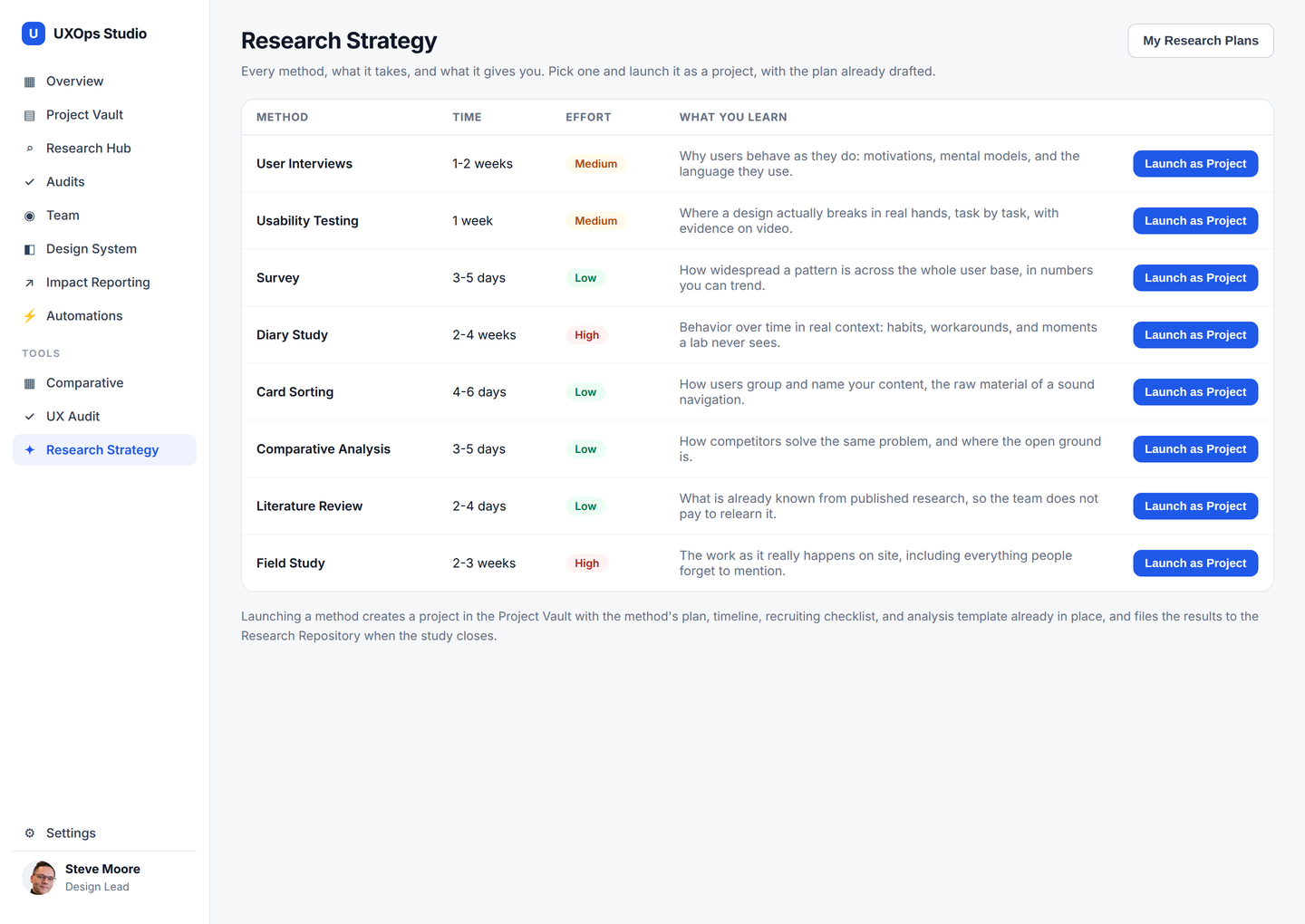
Where It Stands
This project is in the discovery phase. The problem framing, product concept, information architecture, and screen designs are complete and shown here as designed. Development has not begun, and there is no live product behind this page. It is presented as what it is: a designer's own platform concept, built to solve the operations problem every design team lives with.
Click the image or use the arrows to move through the screens · Esc to close